8
SETTING GAIN CONTROLS
The gain control is provided for level matching purposes; it does not give the amplifier
any more power by turning it up – its purpose is to adjust the sensitivity of the amplifier
in relation to the output level provided by the source.
Start with the amp gain set to minimum by turning the control counter-clockwise. Turn
the source level up until distortion is barely audible – this will be at about 75-80% of full
volume. Raise the amplifier gain until distortion is just audible. The gain is now set correctly.
Check the level with CD/tape and tuner to make sure the adjustment is correct for all
sources.
DAISY-CHAINING AMPLIFIERS
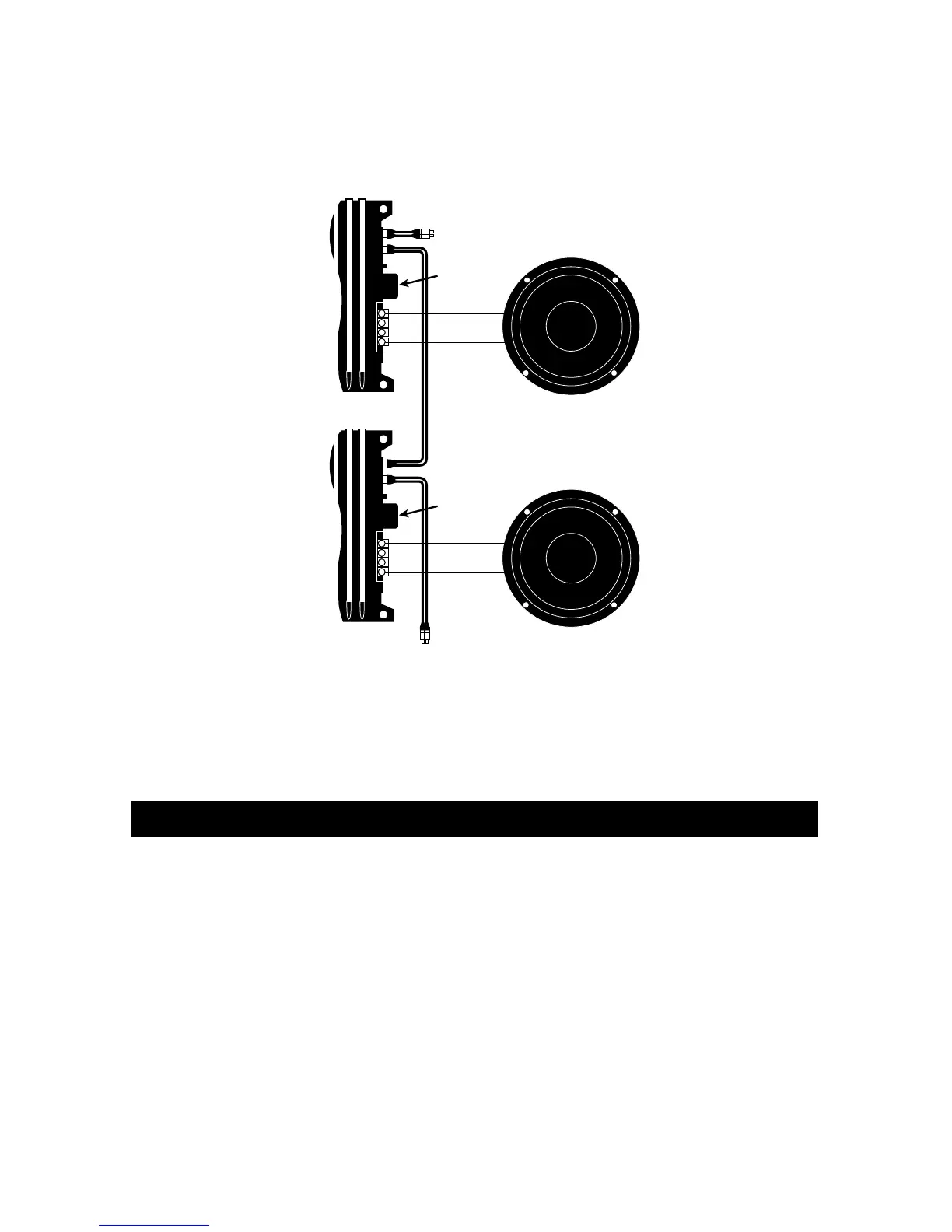
When operating more than one amplifier in the same frequency range it is possible to
connect the input of the next amplifier to the output of the first. Daisy chaining in this
manner requires only one source for several amplifiers.



 To Next Page