Breva EN 8/20
11.7. Quick Start
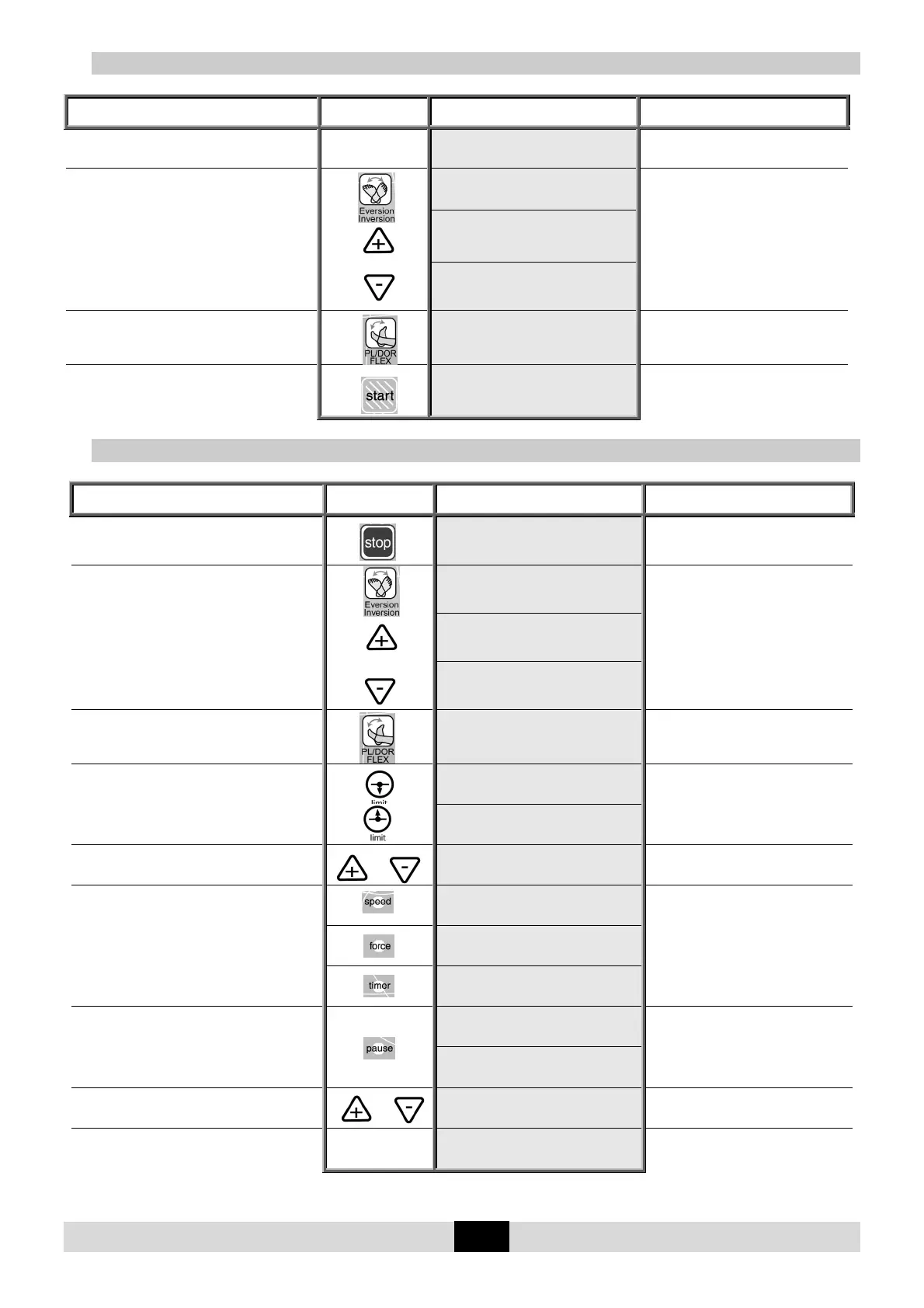
Set up the patient and proceed as below:
Beginning
Keys to
press
Display Remarks
Switch the unit ON
PL/FLEX DOR/FLEX
20 STOP 0 20
The display indicates the last
movement selected.
To select the
Inversion/Eversion movement
or
INVERSION/EVERS.
RIGHT:+ LEFT:-
The display shows the movement
selected and then the key to select
the foot (+ for right or – for left).
EV RIGHT INV
10 STOP 0 10
INV LEFT EV
10 STOP 0 10
To select the
Plantar Flexion/Dorsiflexion movement
PL/FLEX PL/FLEX
20 STOP 0 0
The display shows the movement
selected, with the default settings.
To start the session with the original
parameters for the movement (default
setting).
PL/FLEX PL/FLEX
20 RUN 3 0
The angle display changes with the
current movement.
11.8. To adjust the basic parameters of the movement
Beginning
Keys to
press
Display Remarks
To stop the unit
PL/FLEX PL/FLEX
20 STOP 5 0
Check that the hand control is not
locked (See page 7).
To select the
Inversion/Eversion movement
or
INVERSION/EVERS.
RIGHT:+ LEFT:-
The display shows the movement
selected and then the key to select
the foot (+ for right or – for left).
EV RIGHT INV
10 STOP 5 10
INV LEFT EV
10 STOP 5 10
To select the
Plantar Flexion/Dorsiflexion movement
PL/FLEX PL/FLEX
20 STOP 5 0
The display shows the movement
selected, with the default settings.
To display the limit for the movement
or
PL/FLEX PL/FLEX
20 PL 5 0
The value blinks.
PL/FLEX PL/FLEX
20 DOR 5 0
To change the limit if necessary
or
PL/FLEX DOR/FLEX
20 DOR 5 15
The new value blinks.
To confirm the new value, press another key
or wait more than 3 seconds for automatic
confirmation.
PL/FLEX DOR/FLEX
SPEED 2
While the value blinks press the (+) or
(-) key to change if necessary.
PL/FLEX DOR/FLEX
FORCE ___
PL/FLEX DOR/FLEX
Timer disable
Or
To display the pause at the movement's
upper or lower limit
PL/FLEX DOR/FLEX
PAUSE DOR 0S
Successive presses on this key selects
the pause at the movement's upper
or lower limit.
PL/FLEX DOR/FLEX
PAUSE PL 0S
To change the pause if necessary
or
PL/FLEX DOR/FLEX
PAUSE PL 15S
The new pause value blinks.
To confirm the new value press another key or
wait more than 3 seconds. The display shows
the selected mode
PL/FLEX PL/FLEX
20 STOP 5 15
The unit is ready to start with the new
parameters.
Comments: The values in the display column are given as an example.


 To Next Page