Breva EN 9/20
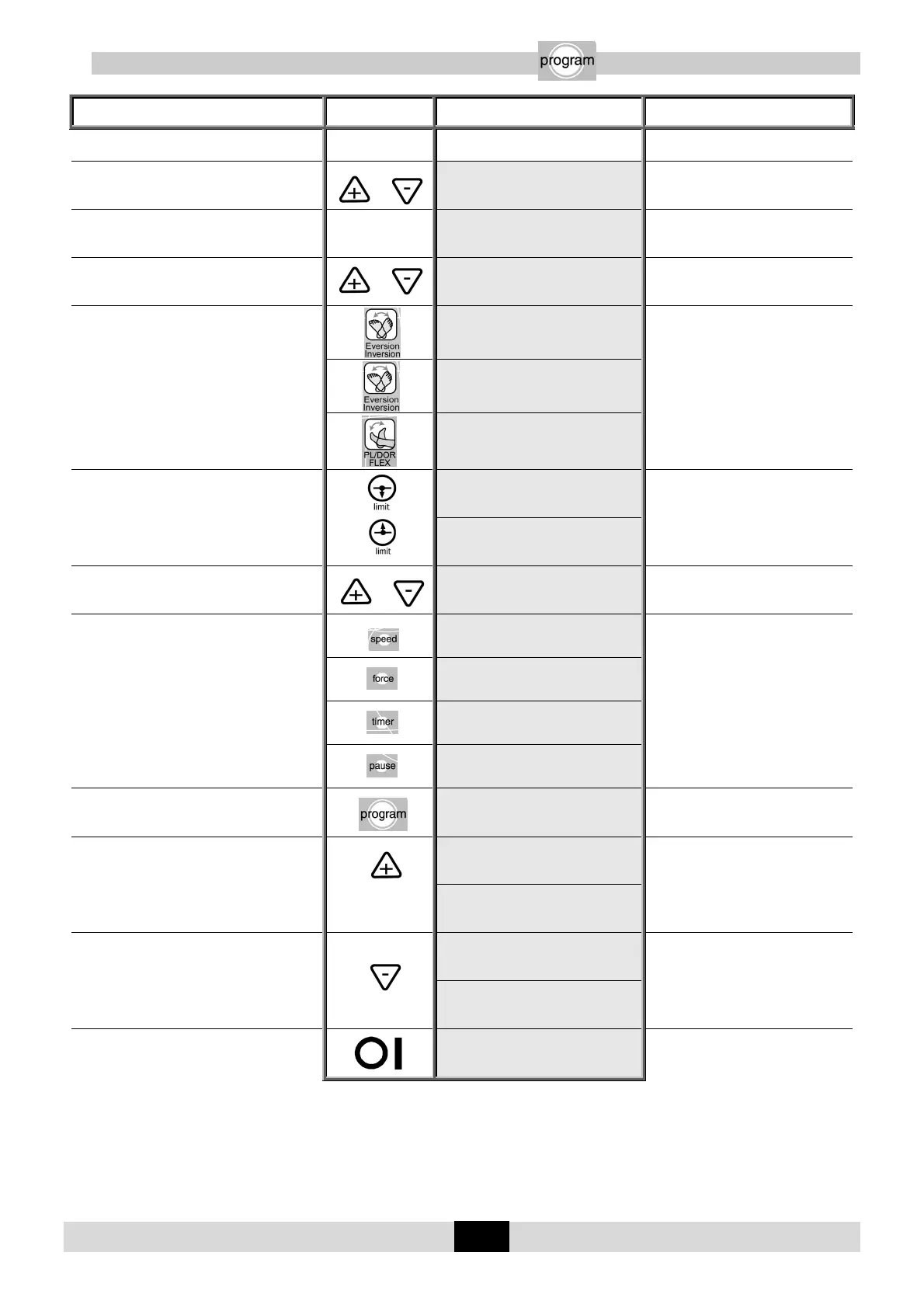
11.9. PROGRAM MODE: To enter a program
Beginning
Keys to
press
Display Remarks
To switch off the unit
Press the 2 keys at the same time and switch
the unit ON
KINETEC
BREVA V01.0
Welcome text displayed for 3
seconds
Then
Program 1
EMPTY
The program number blinks.
To change the program if necessary or
Program 10
EMPTY
The new program number blinks.
To choose the movement
RIGHT PROG No.10
10 INV/EVE 10
The display indicates the movement.
After selecting the movement press
the Warm Up key to confirm Warm
Up.
LEFT PROG No.10
10 INV/EVE 10
Program 10
20 PL/DOR 0
To display the extension or flexion limit of the
movement
or
Program 10
20 PL/DOR 0
The value blinks.
Program 10
20 PL/DOR 0
To change the limit if necessary
or
Program 10
20 PL/DOR 20
The new value blinks.
To confirm the new value, press another key
or wait more than 3 seconds
Program 10
Speed: 1
While the value blinks press the (+) or
(-) key to change if necessary.
Program 10
Force: _____
Program 10
Timer disable
Program 10
Pause PL 0s
To record program 10
Program 10
Save:+ clear:-
Then
Program 10
Saving
Program 10 has been recorded and
the display indicates the next
program so you can change another
program.
Program 11
EMPTY
OR
To cancel the program
Program 10
CLEARING
Program 10 has been removed and
the display indicates the next
program so you can change another
program.
Program 11
EMPTY
To exit program mode, switch the unit OFF
and switch back ON.
KINETEC
BREVA V01.0
To use the modified program see
page 10.
Comments: The values in the display column are given as an example.


 To Next Page