KING-METER TECHNOLOGY CO., LTD
No.15, Chenchang Road, Beichen Dist.Tianjin,300134, CN
Fax:+0086 022 8478 0358 Tel: +0086 022 8478 0378
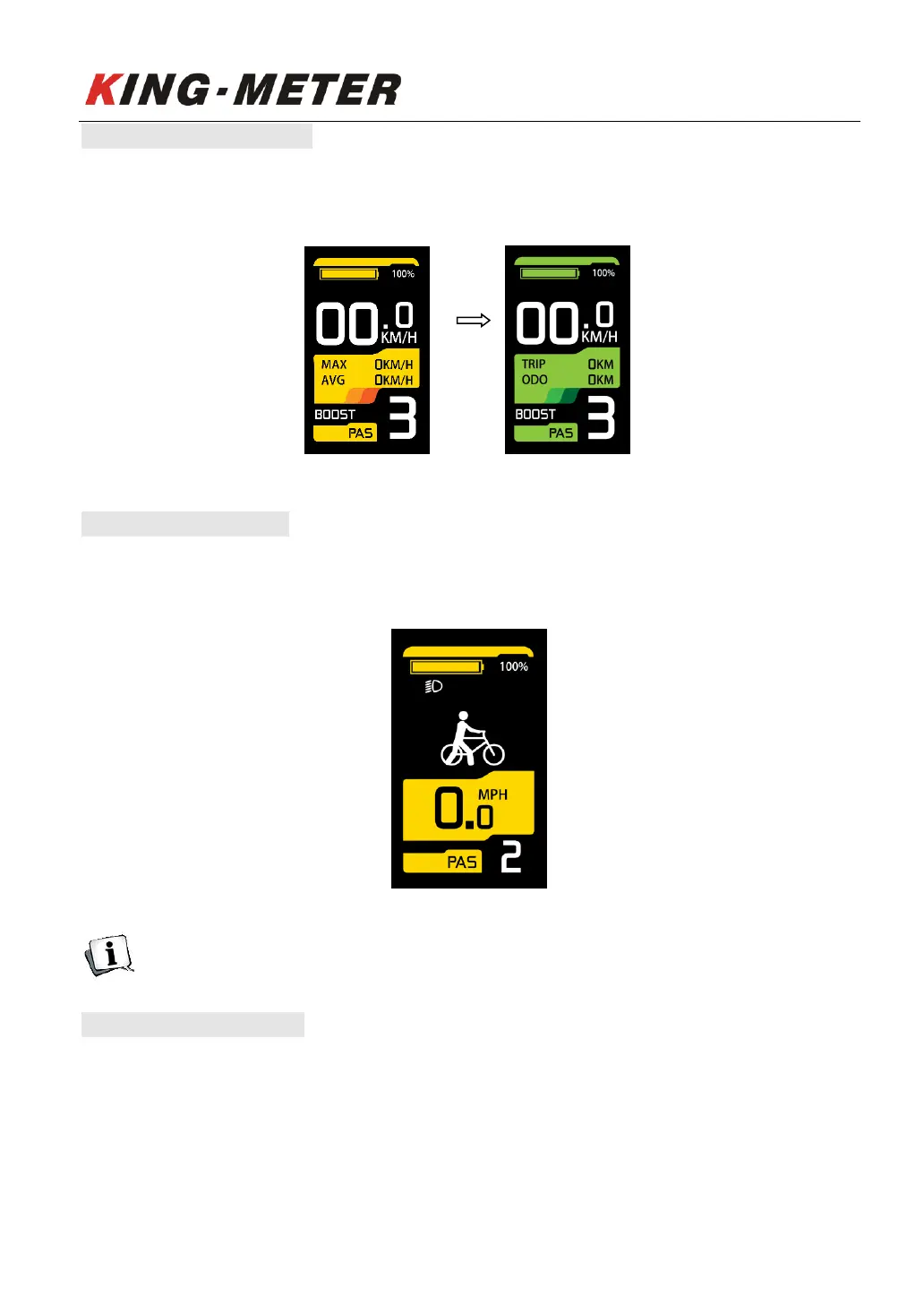
5.3 Color Theme Switch
Long press the “UP”, “DOWN” and “MODE” button together for more than 2 seconds to switch color
themes. There are a total of four color themes to meet different customer’s preferences.
Color theme switch
5.4 Walk Assist Mode
Press and hold the “DOWN” button for 2 seconds to enter the Walk assist mode. The E-bike will travel
at a constant speed of 6km/h.
Walk assist mode interface
Walk Assist function can only be used as pushing the e-bike by hands. Please don’t use this
function when riding.
5.5 PAS Level Selection
Short press the "UP" or “DOWN” button to switch the PAS level, the motor output power will be
changed accordingly by the PAS level of E-bike. The default range of PAS level is 0-3 levels. Level 1 is
the lowest output level, and the level 3 is the highest output power level of the motor. The default
level is level1.














 To Next Page