KING-METER TECHNOLOGY CO., LTD
No.15, Chenchang Road, Beichen Dist.Tianjin,300134, CN
Fax:+0086 022 8478 0358 Tel: +0086 022 8478 0378
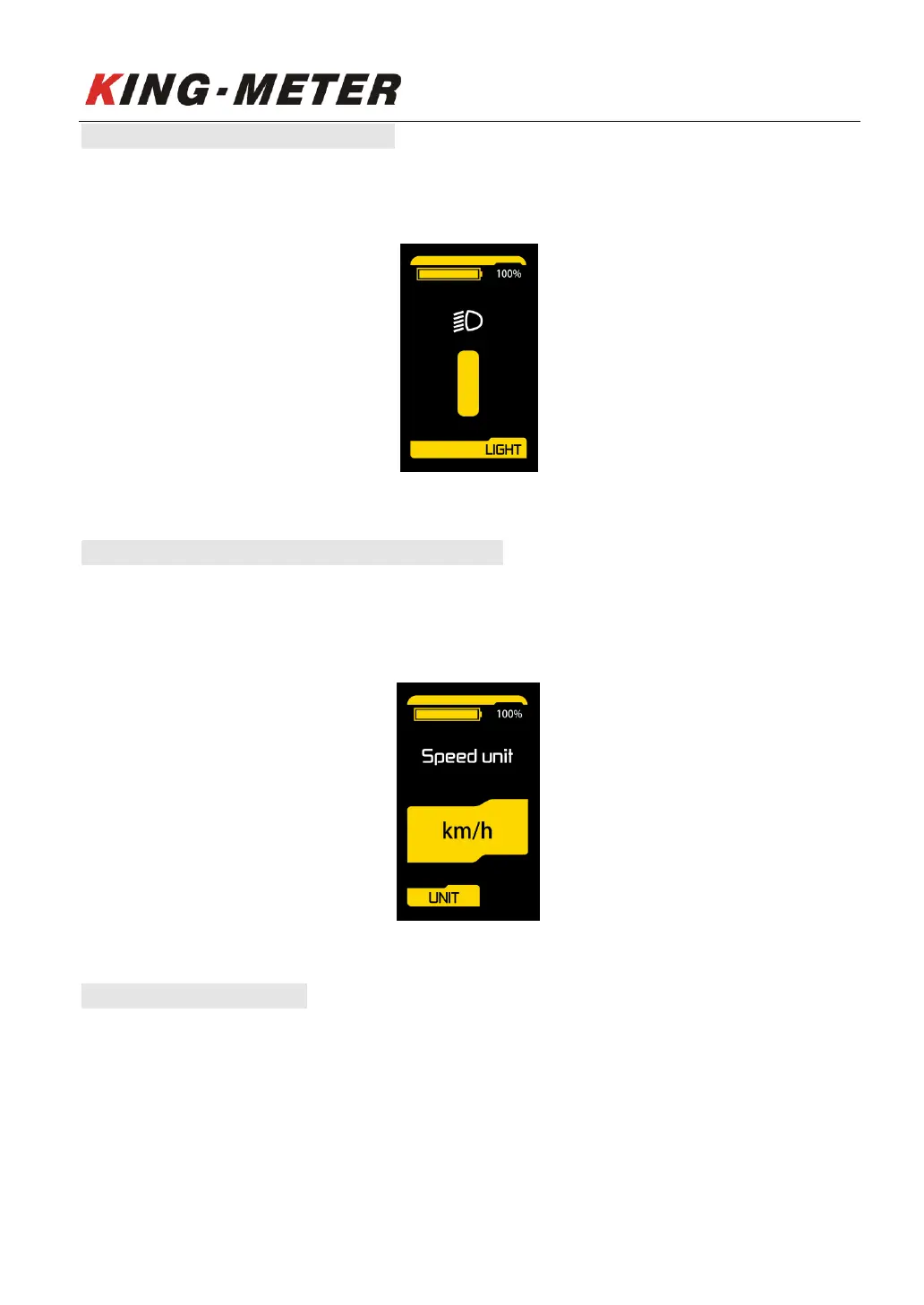
6.1 Backlight Brightness Setting
Press “UP” and “DOWN” button to change the backlight brightness, short press “MODE” button to
switch to next setting option.
Backlight setting interface
6.2 Display Unit Setting (Metric / Imperial)
The setting parameters are Metric and Imperial. Km/h or Mile/h can be selected by pressing “UP” and
“DOWN” button. Km/h means the unit is metric system, and Mile/h means the unit is Imperial
system. The default unit is metric. Short press “MODE” button to switch to next setting option
Unit setting interface
6.3 Speed Limit Setting
The setting range of the maximum speed setting is 12km / h to 40km / h. It can be set by pressing
“UP” and “DOWN” button. Short press “MODE” button to confirm and switch to next setting option.














 To Next Page