KING-METER TECHNOLOGY CO., LTD
No.15, Chenchang Road, Beichen Dist.Tianjin,300134,CN
Fax:+0086 022 8478 0358 Tel: +0086 022 84780378
Error code indicator
Only after the fault is eliminated, the error code interface can be cleared, the E-bike will
not be able to ride when error code occurs.
7. User Settings
7.1 Preparation Before Starting
Please make sure all connectors tightened and turn on the power of the E-bike.
7.2 General Settings
Press and hold “MODE” button to turn on the display, then hold both “UP” and “DOWN” button for 2
seconds to enter the setting menu.
7.2.1 Single Trip Distance Clearance
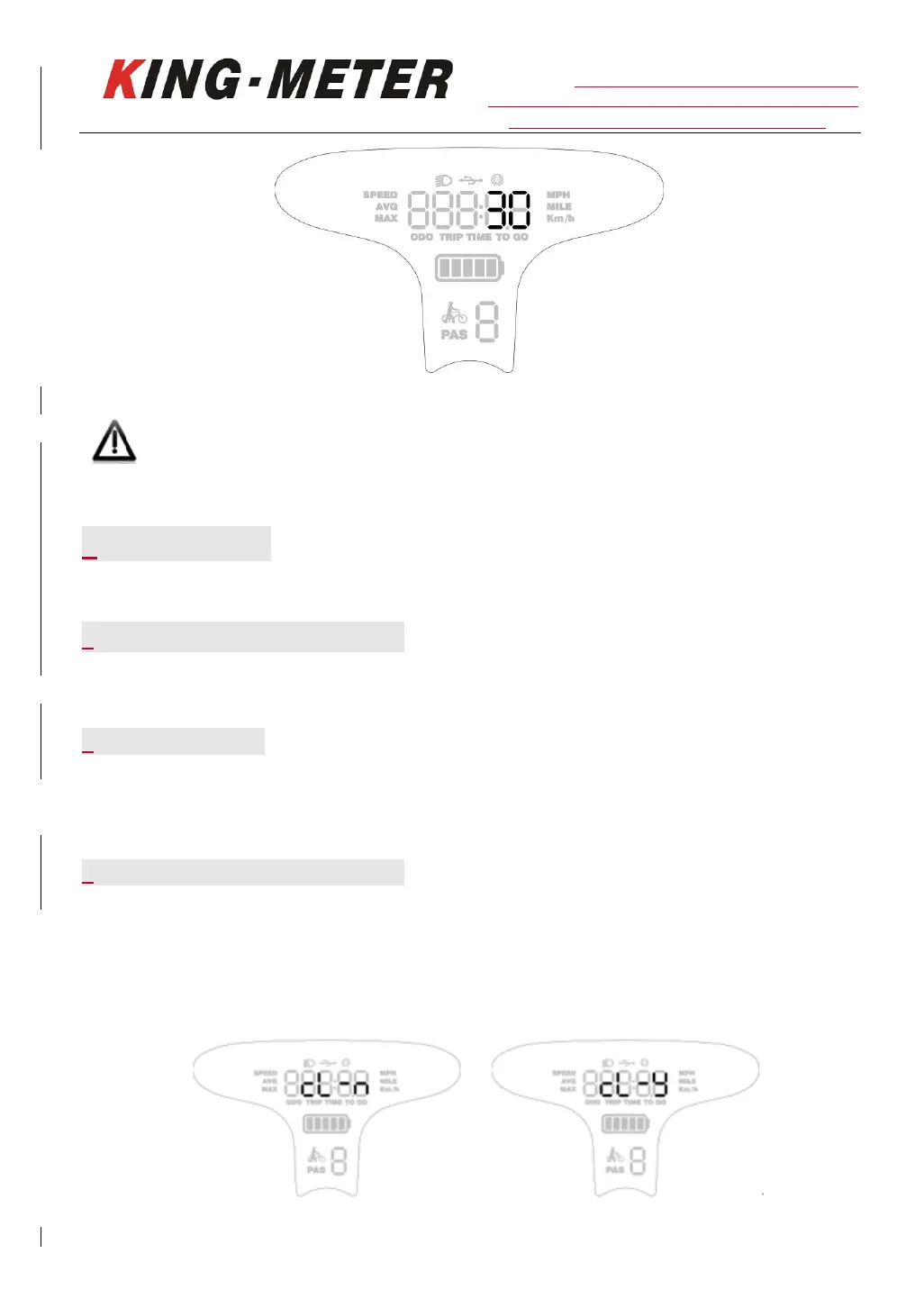
“CL” means Single trip distance clearance, The setting parameter can be N / Y. The default setting
“N” means the single trip distance is not cleared. Y / N can be selected by pressing the “UP” and
“DOWN” button. “Y” means the single trip distance needs to be cleared, and “N” means the single
trip distance does not need to be cleared.














 To Next Page