KING-METER TECHNOLOGY CO., LTD
No.15, Chenchang Road, Beichen Dist.Tianjin,300134,CN
Fax:+0086 022 8478 0358 Tel: +0086 022 84780378
7.3.1 Wheel Size Setting
The setting option values are: 16, 18, 20, 22, 24, 26, 700C, and 28. Press “UP” and “DOWN” to select
the value. Select the wheel diameter corresponding to the E-bike to ensure the accuracy of speed
and distance display. Press “MODE” to enter speed limit setting interface.
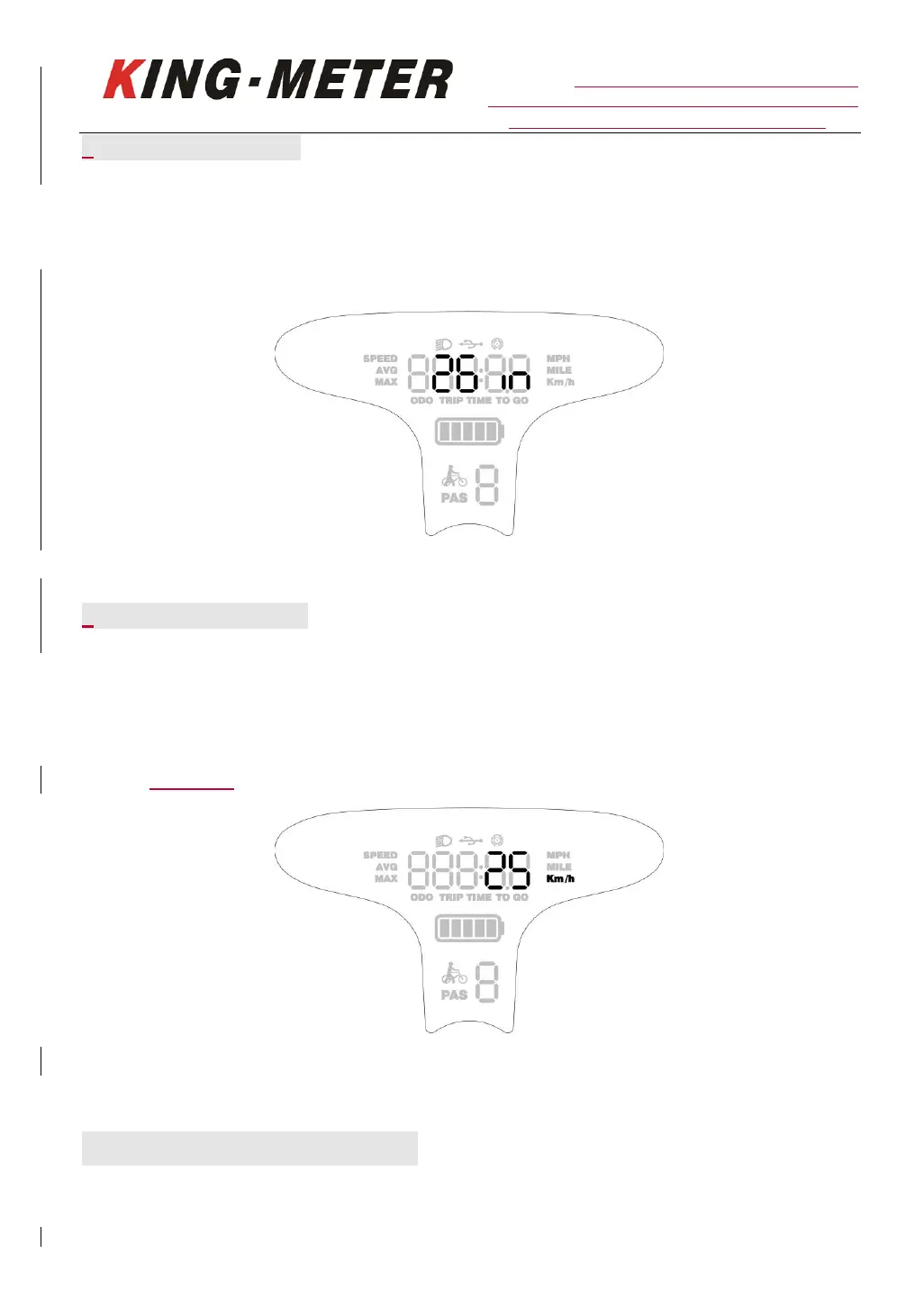
Wheel size setting interface
7.3.2 Speed Limit Setting
The default maximum riding speed setting of the display is 25Km/h. Changing this value can set the
maximum riding speed of the E-bike. When the electric power exceeds the set value, the controller
will stop the power supply to the motor to protect the safe driving of the rider.
The maximum speed setting value can be selected from 12Km/h to 40Km/h. You can modify by
pressing UP/DOWN button. Long press “MODE” button to confirm and exit the setting interface.
Speed limit setting interface
8.USB charging function
Display with USB interface, which provides charging power for mobile phone with output of














 To Next Page