KING-METER TECHNOLOGY CO., LTD
No.15, Chenchang Road, Beichen Dist.Tianjin,300134,CN
Fax:+0086 022 8478 0358 Tel: +0086 022 84780378
Single trip distance clearance interface
Single trip distance and single trip time are cleared at the same time
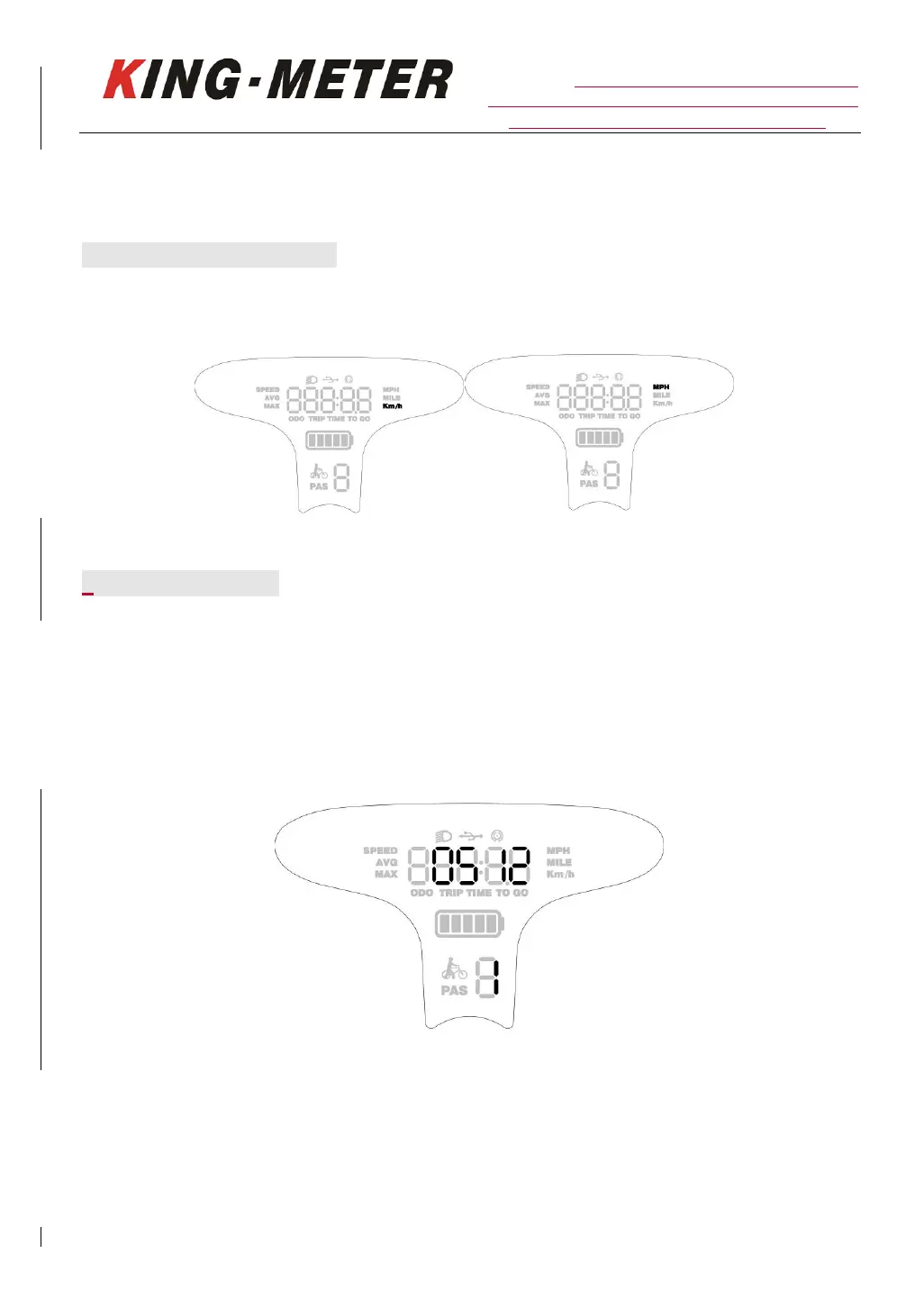
7.2.2 Metric/Imperial Unit
Parameters can be set in metric/imperial system. The metric and imperial system parameters can be
changed by “UP” or “DOWN”. KM is Metric unit, MPH is imperial unit.
Unit Setting
7.3 Parameter Setting
Hold both “UP” and “DOWN” buttons for 2 seconds to enter normal settings, while hold both
“DOWN” and “MODE” buttons for 2 seconds again will enter parameter setting interface.
The number “1” on the screen means the password of setting, Press “MODE” button to select digit
one by one. Press UP/DOWN button to change the number . After 4-digits of the correct password
entered, press “MODE” button to confirm then select password enable or disable. Otherwise, the
interface will stay on inputting password. Hold “MODE” to exit the setting. Setting password is 0512.
Password input setting interface














 To Next Page