environment is bright, the backlight will be brighten
synchronized.
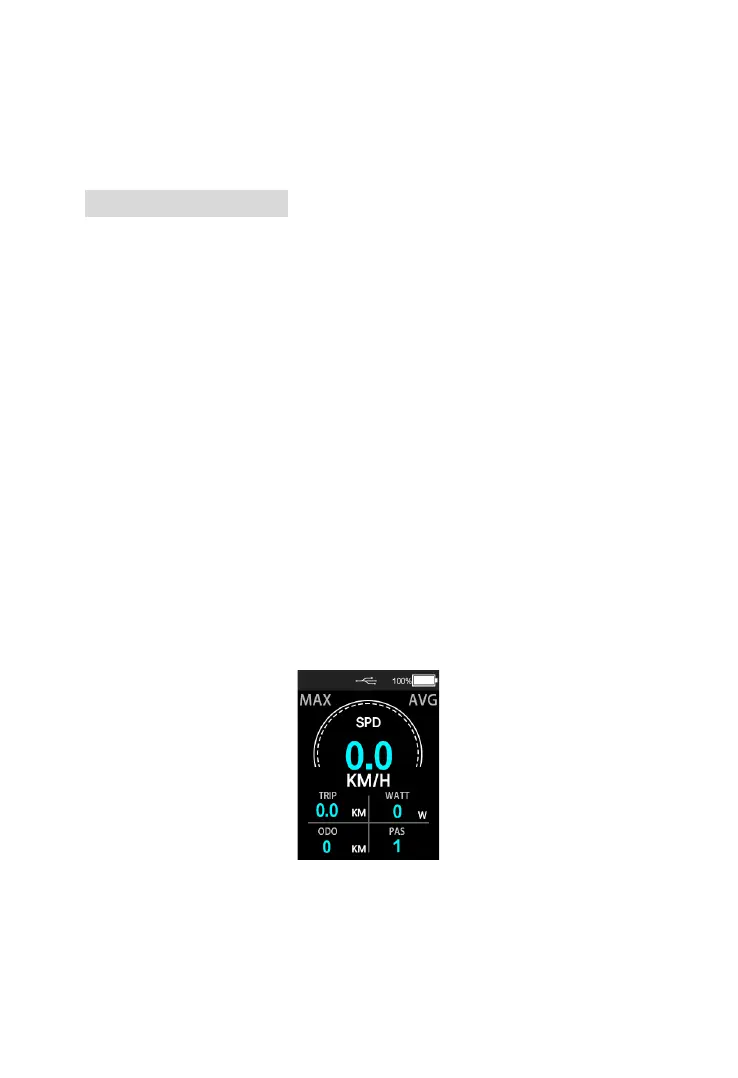
6.8 USB Charging
Connect the USB device before power on the
display, turn on the power to charge the USB device,
the USB icon will lights up, remove the USB device,
and the USB icon turns off after 2 Seconds; If the
USB device is connected after starting up the display,
hold “UP”, “DOWN” and “MODE” buttons to start the
charging function. If there is a USB device
connected, the USB device will be charged, and the
USB charging icon will be on. If the USB device is
removed, the USB charging icon will be turned off
after 2S.
Normal display interface:
USB Charging interface










 To Next Page