Communicati
on failure
with ABS
Regular
work
0xC1 The display
with ABS
system
cannot
detect the
ABS
information.
Display
without ABS
will not
report this
fault
E-lock E-lock stuck
Shutdown
0x71
7. Settings
7.1 Settings
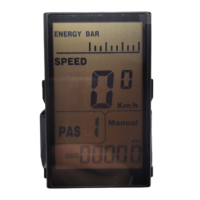
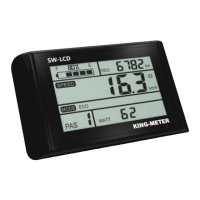
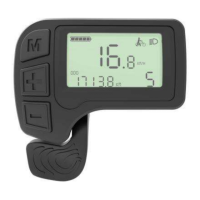
In the main display interface and when current speed
is 0,hold the “UP” and “DOWN” button at the same
time to enter the setting interface. Shortly press the
“MODE” button to switch the setting items, which are
as follows: wheel size check - speed limit check -
software version - unit setting - backlight brightness










 To Next Page