setting - single trip distance reset setting - wheel size
check.
In the setting interface, press and hold the “MODE”
button (> 2S) to exit the setting interface.
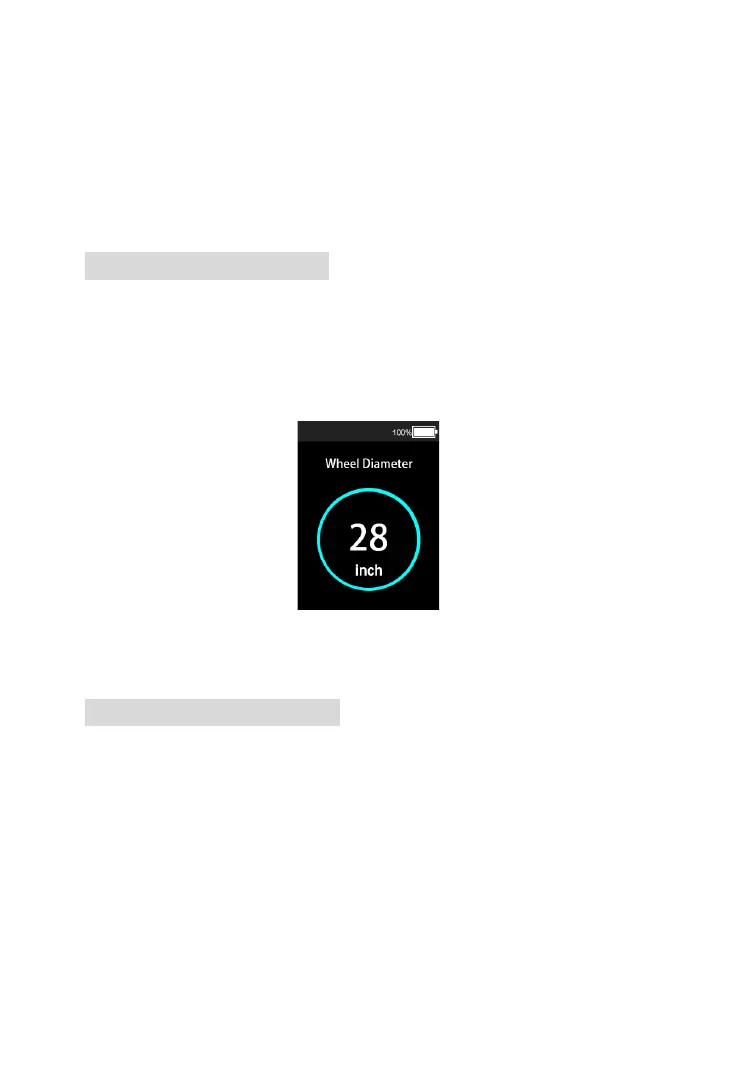
7.2 Wheel Size Check
In the setting interface, you can check the current
wheel size under the wheel size check option
interface.
Wheel size check interface
7.3 Speed Limit Check
In the setting interface, you can view the maximum
riding speed of the e-bike. When the speed exceeds
the set value, the controller will stop the power
supply to the motor to protect the safety of the rider.










 To Next Page