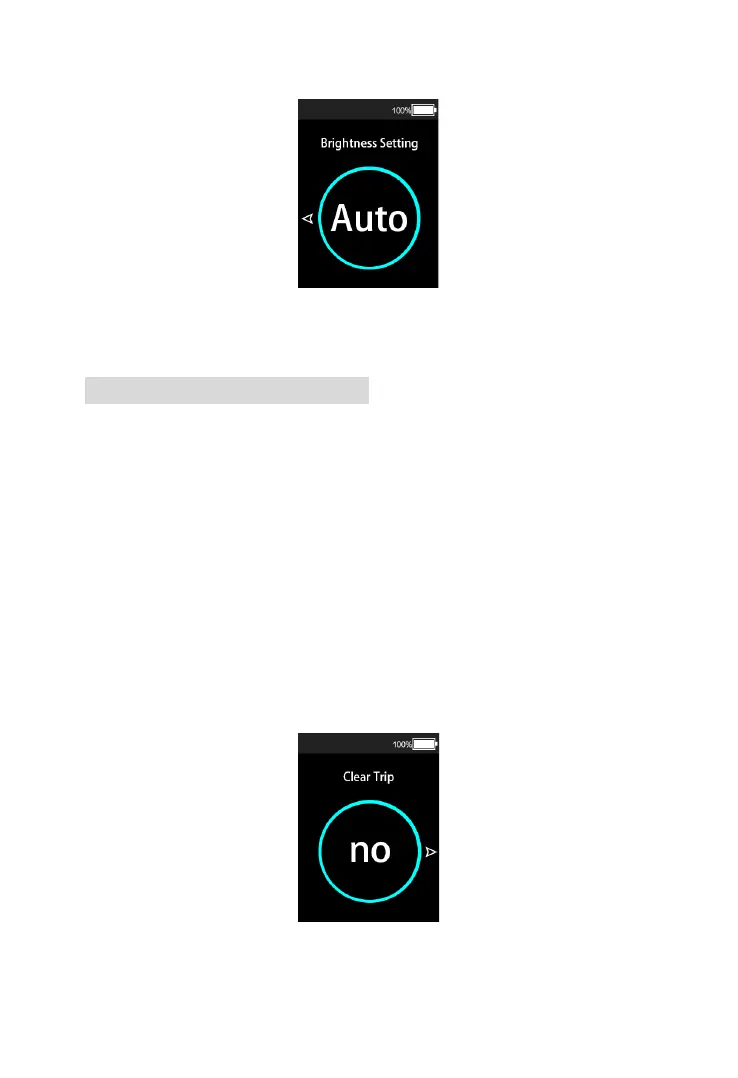
Backlight brightness setting interface
7.7 Single Trip Clearance
The single trip reset setting can clear the single trip
distance data of the display. Shortly press the
“MODE” button to enter the setting state of single trip
clearance. Press the “UP” button or “DOWN” button
to clear the single distance (YES) or not clear (NO).
Press the “MODE” button again to confirm the setting
items, save and exit the setting interface of single trip
reset, and hold the “UP” and “DOWN” buttons (> 2S)
to return to the main interface.










 To Next Page