1. 4K Single Recording (Front Camera).
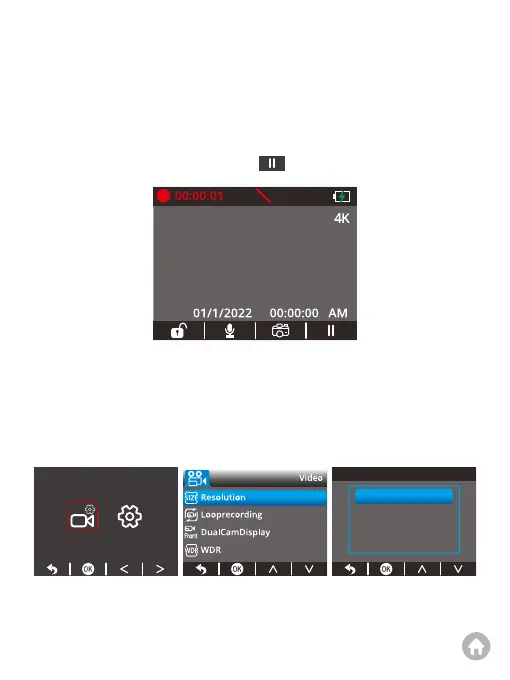
① After turning on the camera, press the button to stop recording.
②
Set the resolution. First, press the Setup button to enter the camera’s settings
screen. Second, choose the first button to enter the video settings screen.
Third, press the OK button to access the resolution settings screen. Last, press
the OK button to choose “4K”. The system will exit the menu automatically.
Tip: The dash cam is at 4K resolution by default when it's turned on.
P
Start Recording
4K
4K+1080P
2K+1080P
To use the dash cam, you can select either single or dual recording mode.
However, before doing so, you must first set the desired resolution.



 To Next Page