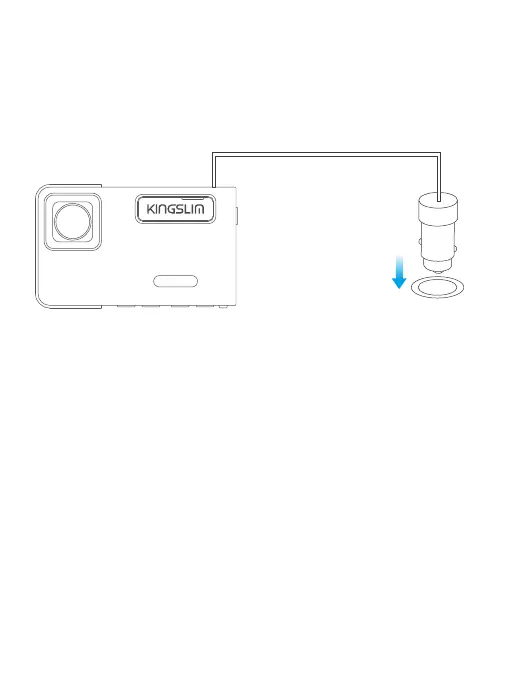
3. Charging
(1) How to charge:
Insert the car charger into the car’s cigarette lighter socket, then connect the car
charger to the dash cam's mini USB port.
(Charger input: DC 12-24V, output: DC 5V 2A)
Note:
① Please charge for 30 minutes before using this dash cam powered by the
built-in battery. When charging, please turn off the camera by long pressing the
power button.
② Please do NOT connect the camera to the PC for charging. Use the 110V wall
outlet instead.
(2) Turn your camera ON/OFF
Auto Power ON:
KINGSLIM D1 Pro dash cam is designed to turn ON automatically when it receives
power, i.e. when the car engine is started.
Auto Power OFF:
The camera is also pre-configured to turn OFF automatically within a few seconds
when the power gets disconnected, i.e. when the car key is turned to LOCK
position.
D1 PRO



 To Next Page