4. Recording
KINGSLIM 4K D1 Pro dash cam is programmed to turn on and start recording
automatically when it receives power. It will also start recording after you finish
changing settings. To pause recording, please press . When unplugged, this
dash cam will also automatically stop recording, safely save the last video, and
shut down within 5 seconds.
5. Setting Time Zone
Before using this dash cam, please manually set the time zone according to your
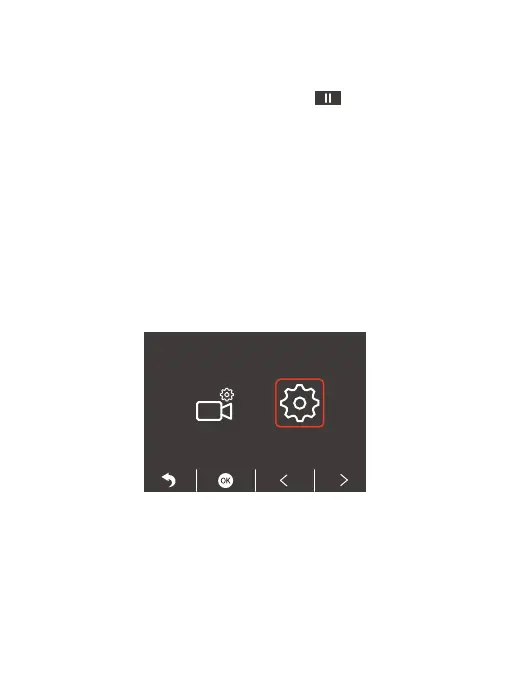
location. To do this, please press the Setup button, choose the second button, and
press the OK button to enter the system settings, then navigate to “Time Zone”,
and then press the OK button to complete the setting. When the GPS is functioning
properly, the dash cam's date and time will automatically synchronize with your
local time. You can also manually set the date and time by accessing the setup
menu.



 To Next Page