③
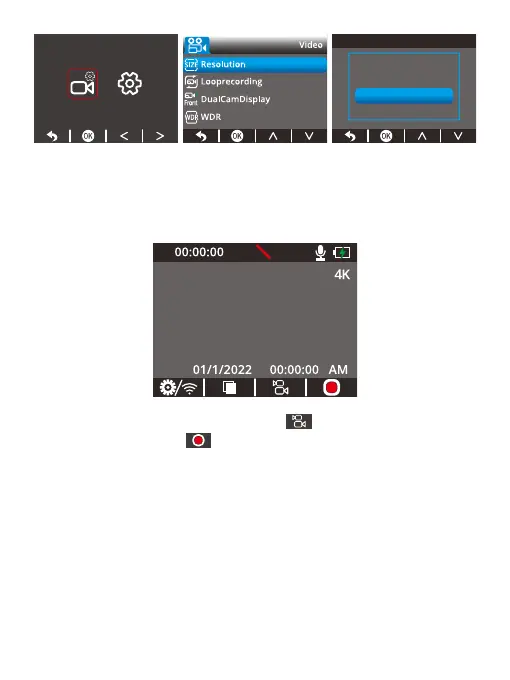
After you have successfully set the resolution, press the Back button twice to
go back to the preview screen. The dash cam will be in dual recording mode.
In this mode, press the Record button, the front and cabin cams will record
2K/4K and 1080P videos respectively.
One-press quick recording: Press the button to switch to dual (front and
cabin) recording, and press to start capturing. The front and cabin cams will
record 2K/4K and 1080P videos respectively.
4K
4K+1080P
2K+1080P
P



 To Next Page