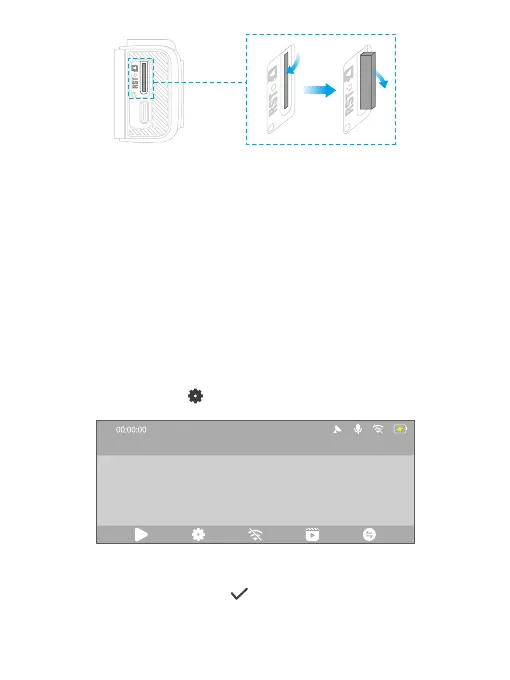
(3) Format the memory card
Format the memory card on the computer
We recommend you format your memory card on a computer first for better
compatibility. The following instructions are for your reference only.
Format the memory card in the camera
Before recording videos, please format the memory card in the camera by accessing
the Setup screen. In case you have not yet done so, an error message will appear
prompting you to insert the memory card. Please follow the instructions below to
format the memory card.
➀ To format the memory card, first make sure the dash cam is turned on, then
press the Settings button to access the system settings screen.
➁ On the settings screen, press the Down button till you find the “Format SD”
option, then press the OK button to enter the formatting screen.
2023-11-11 00:00
4K



 To Next Page