10. System Settings
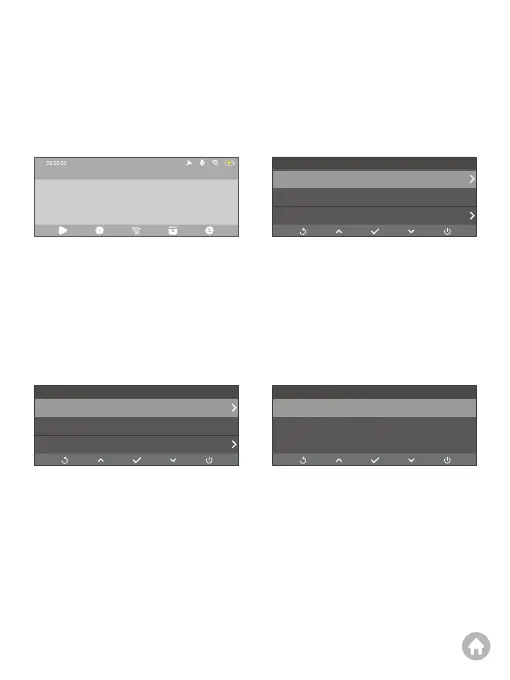
To access the system settings screen, first make sure the dash cam is on the Preview
interface, then press the Settings button. You will be able to configure the available
settings by using the Down button.
Settings
Resolution
mph
Off
4K+2K
Speed Unit
Screen Dormant
Settings
Resolution
mph
Off
4K+2K
Speed Unit
Screen Dormant
4K+2K *
2K +2K
Resolution
(1) Resolution: 4K+2K (default)/2K+2K
This dash cam records 4K video by default. To change the resolution, first ensure that
the dash cam is on the preview screen. Second, press the OK button to access the
resolution settings screen. From there, press the Down button to choose from 4K
+2K (default) and 2K+2K. After selecting your desired resolution, please press the
OK button to save your changes. The system will exit the menu automatically.
(2) Speed Unit: KM/H (default)/mph
You can choose your desired speed unit.
(3) Screen Dormant: Off (default)/1 Min/3 Min
The camera screen will automatically turn off to save battery life after the set time.
To turn on the display again, simply press any button.
2023-11-11 00:00
4K



 To Next Page