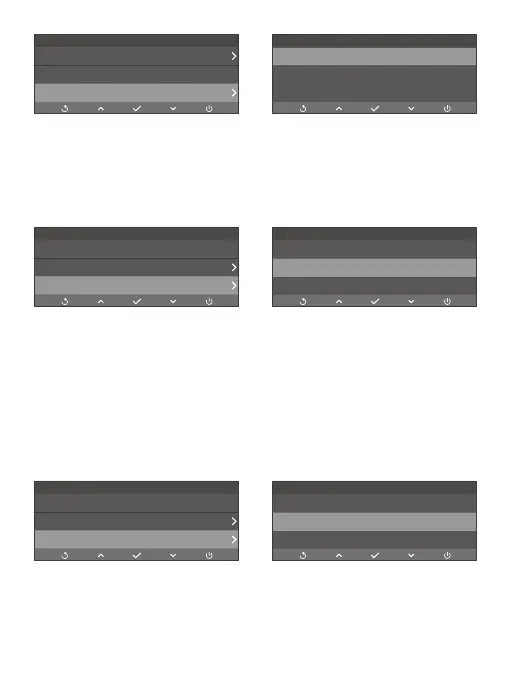
(4) Antiflicker Mode: 60Hz (default)/50Hz
Antiflikcker mode refers to the frequency of the alternating current (AC) that is used
in most electrical power systems around the world. We recommend you keep the
default setting.
(5) Collision Sensitivity: Off/Low (default)/Middle/High
When Collision Sensitivity is enabled during video recording, your dash cam will
automatically start recording an emergency video and save the content if it detects
sudden braking or an impact. The video will be locked in the front or rear emergency
folder, preventing it from being overwritten by new video files. By selecting a higher
sensitivity level, your dash cam will be more likely to detect smaller impacts and
trigger emergency recording.
Note: The video length varies depending on the option you select for Loop Recording.
Settings
Resolution
mph
Off
4K+2K
Speed Unit
Screen Dormant
Off *
1 Min
3 Min
Screen Dormant
Settings
Speed Unit
Off
60Hz
mph
Screen Dormant
Antiflicker Mode
50Hz
*
60Hz
Antiflicker Mode
Settings
Screen Dormant
60Hz
Low
mph
Antiflicker Mode
Collision sensitivity
Off
Middle
*
Low
Collision Sensitivity



 To Next Page