Wifi SSID: Kingslim_D4Pro_****
Wifi Password: 12345678
Waiting for the App Connection.....
Wifi Info
Once you have successfully connected your dash cam to the Kingslim APP via the
camera’s Wifi, you will be able to access the camera, view and download videos via
the app. You can also control the camera to capture or change the camera.
9.1 Download the Kingslim APP
Download the Kingslim APP from the App Store or Google Play.
9. About the Kingslim APP
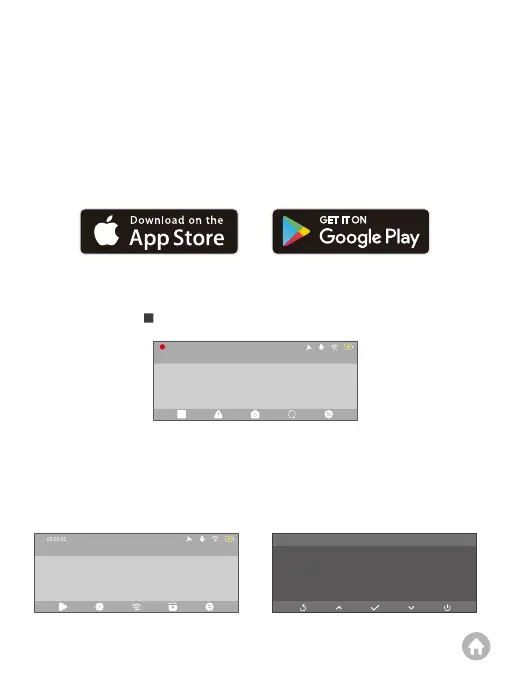
(2) Turn on the camera’s Wifi. To do this, press the Wifi button . The camera will
enter Wifi mode and display the Wifi information in about 2 seconds.
(Note: The camera’s Wifi will disconnect automatically once you exit the Wifi
screen.)
9.2 Connect to the Kingslim APP
(1) Press the button to stop recording on the dash cam.
00:00:00
4K
2023-11-11 00:00
2023-11-11 00:00
4K



 To Next Page