7.5 Time Zone Setting
Under this setting, you can manually choose the time zone. The device will then
display the date and time of the selected time zone. (Default Setting: UTC/GMT-OFF)
For more details, go to https://greenwichmeantime.com/time-zone/usa/ to find
out your correct GMT (Greenwich Mean Time) value based on your location in
USA.
7.4 LED Indicators
Charging indicator:
Purple and red lights flickering alternately: Charging + Recording video
Purple light staying on: Charging + not recording
Working indicator:
Blue light staying on: Not recording + battery fully charged
Blue light flickering: Recording video+ battery fully charged + parking
monitor activated
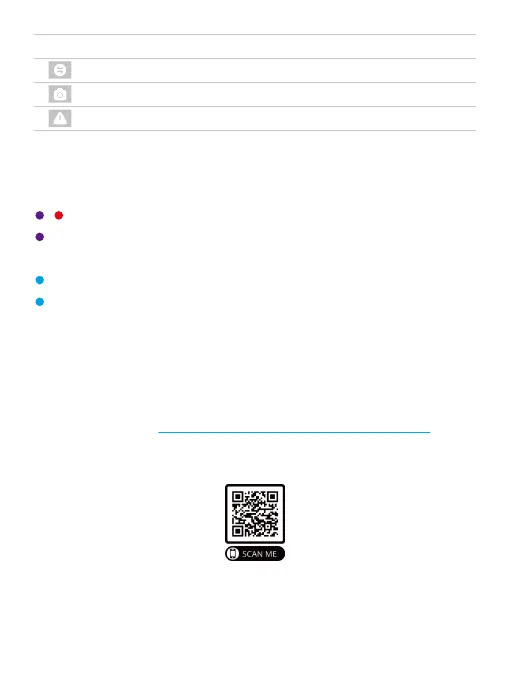
Icons Descriptions
Switch display modes
Snapshot
Emergency recording
Interface
Recording
Recording
Recording



 To Next Page