5.3 Charge
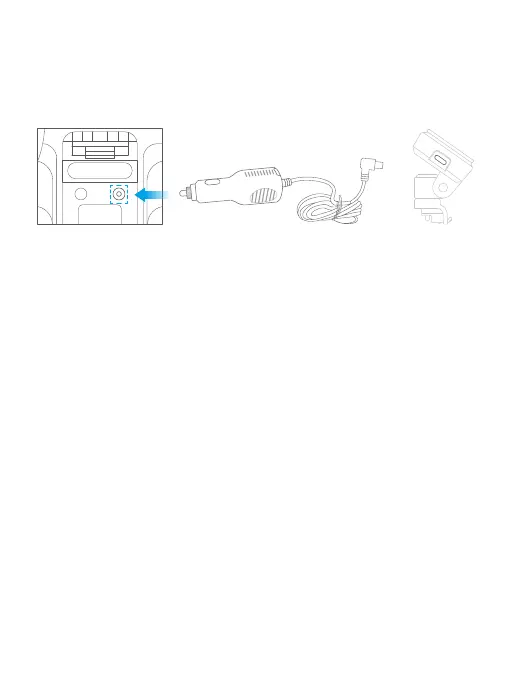
(1) How to charge
To charge your dash cam, please connect the car charger to the dash cam’s USB
power port, then insert the charger into the car’s cigarette lighter socket.
(2) Turn your camera ON/OFF
Auto Power ON:
KINGSLIM D4 Pro dash cam is designed to turn ON automatically when it receives
power, i.e. when the car engine is started.
Auto Power OFF:
The camera is also pre-configured to turn OFF automatically within a few seconds
when the power gets disconnected, i.e. when the car key is turned to the LOCK
position.
Note:
➀ Please charge the dash cam for 30 minutes before using it. When charging,
please turn off the camera by long pressing the power button.
➁ Kindly refrain from connecting the camera to your PC for charging purposes.
Please utilize the 110V wall outlet instead.
Car cigarette lighter socket Car power charge
D4 Pro Dash Cam



 To Next Page