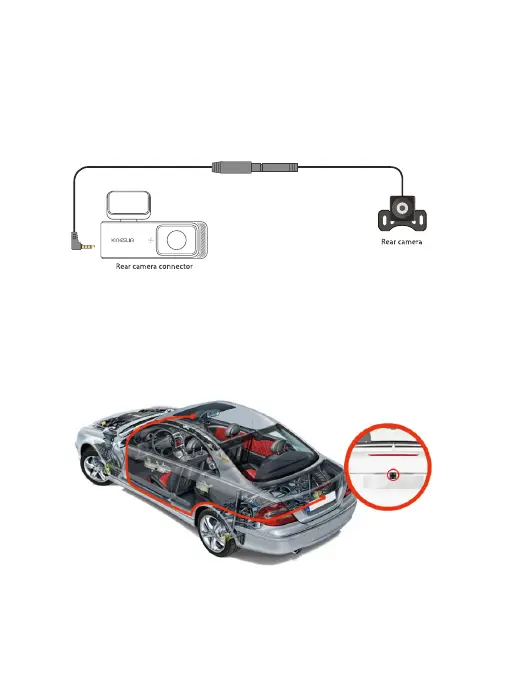
(6) Install the rear camera onto the license plate.
It is advised to install the rear camera above the license plate. This placement
ensures a clear and sharp image for rear viewing. For this method, please follow
these steps to install the rear camera and route the cables:
Step 1: Connect the rear camera to the extension cable, and insert it into the dash
cam.
Step 2: Clean the area above the car license with a microfiber cloth, and remove the
adhesive tape on the rear camera.
Step 3: Firmly affix the rear camera to the clean area above the license plate. After
doing so, you can rotate the rear camera to adjust the viewing angle.



 To Next Page