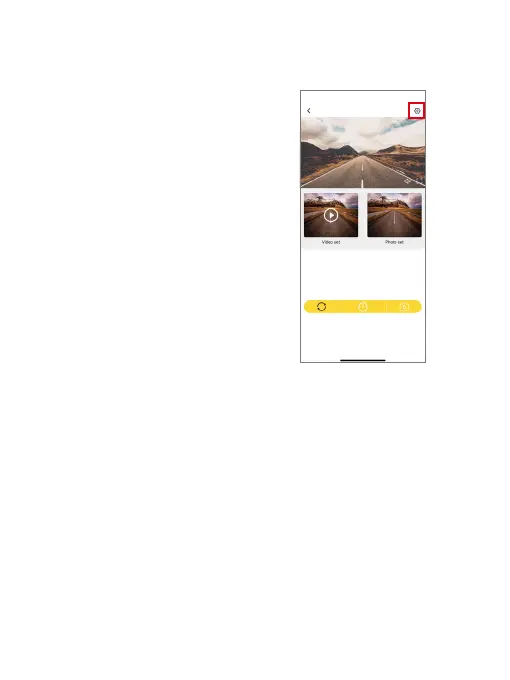
To customize your E2 Pro dash cam, you
will need to connect it to the Kingslim app.
To access the camera’s settings, first stop
recording by tapping the Power icon at the
bottom, then tap the Settings icon in the
upper right corner.
6. Customizing Your E2 Pro Dash Cam
(1) Wifi Name
Check or change the Wifi name.
(2) Wifi Password
Check or change the Wifi password.
(3) Microphone
Off/On (default)
Choose to turn this setting on or off. With this setting enabled, the dash cam will
record audio during video recording, and vice versa.
(4) Cycle Record Time
1 Minute (default)/2 Minutes/3 Minutes
Kingslim_
********



 To Next Page