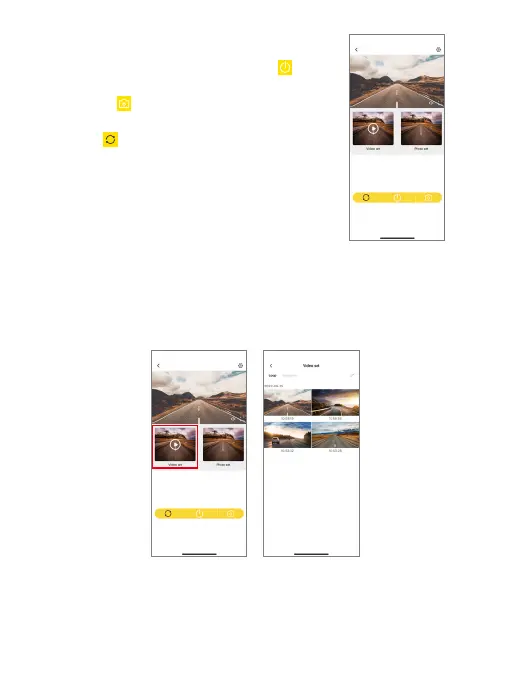
(4) Capture videos using the app.
On the preview interface, tap the Power icon to
start or stop recording. To take a photo, simply tap
the photo icon . If you wish to switch the display
modes between the front and the rear cameras,
tap the icon .
(5) Playback videos on the Kingslim app.
➀ Connect your E2 Pro dash cam to the Kingslim app.
➁ Tap on the “Video set” icon to view all the video files stored on the memory card.
Kingslim_
********
Kingslim_
********
➂ Tap on the video you want to watch for playback. And it will then play.
Note: The Kingslim app is exclusive to KINGSLIM dash cams only.



 To Next Page