(9) Date Stamp
On (default)/Off
With Date Stamp enabled, a date and time watermark will be added to your captured
videos, and vice versa.
(10) Image Mirror
On/Off (default)
Turn Image Mirror on or off. With this setting enabled, the rear camera is flipped
horizontally and its screen layout is reversed left and right.
(11) Restore to Factory Settings
Yes/No (default)
Reset all the settings to the default values.
(12) Format Recorder
Yes/No (default)
Format the memory card. Before capturing, you will need to complete the formatting
process. Reformatting erases all of your content, so be sure to offload your photos
and videos first.
(13) Firmware Version
Check the firmware version of your dash cam.
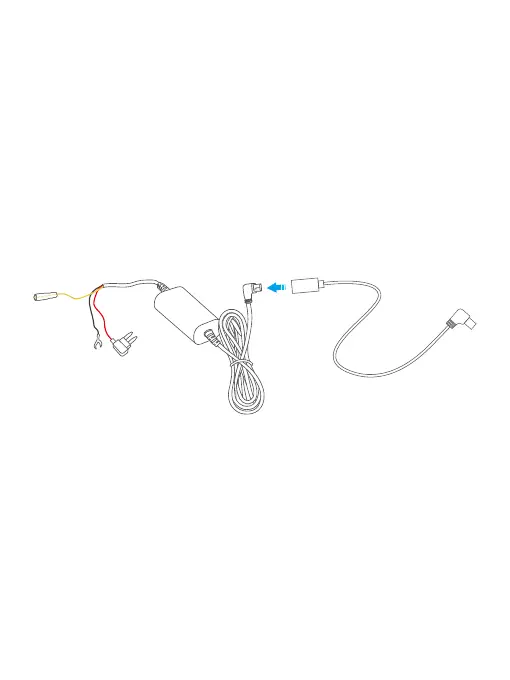
Step 7: Low voltage protection: The dash cam is equipped with a low voltage
protection feature. When the hardwire kit detects that the voltage drops below
11.8V/23.8V (this may vary depending on your car), the dash cam will automatically
power off within 5 seconds.
Tips:
➀ It is important to ensure that the dash cam is protected from any obstacles
caused by items in your car. If your car has side curtain airbags, please exercise
caution when running any wires along the car window. Improper wire placement
can interfere with the deployment of airbags, potentially preventing them from
functioning properly.
➁ These installation steps and and figures are for your reference only. For your
safety, please turn to professional technicians.



 To Next Page