15742.892 | 11.50
EN
16. min, Value %, and (pump 1) flash.
Press to set the minimum speed of pump 1 in %.
17. Press SET.
Make the settings for pump 2 (output R2) only if a system with 2 pumps was selected in step 7.
Otherwise continue with step 20.
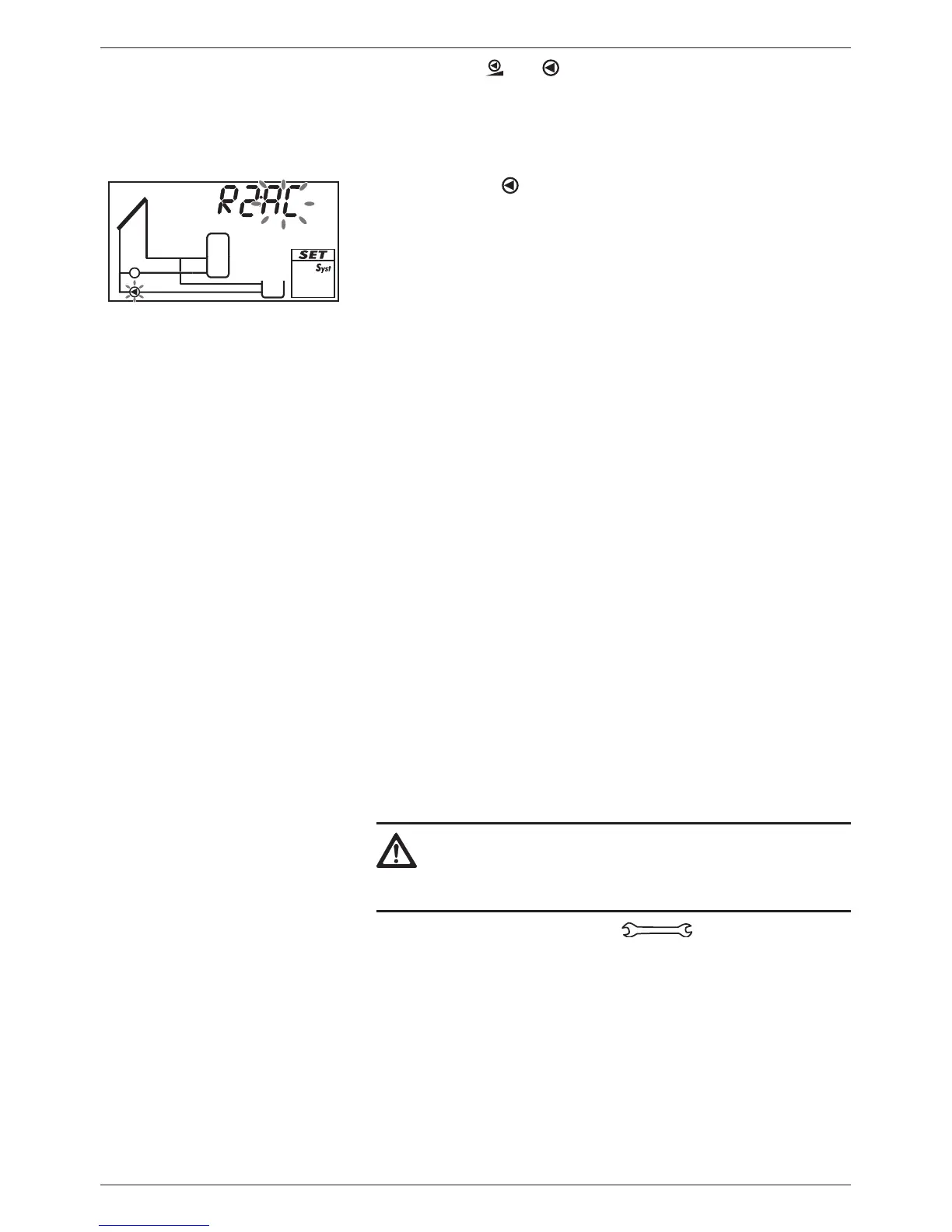
18. Press . AC and (pump 2) flash (example in fig. left).
19. Perform steps 10 to 17 accordingly for pump 2.
Setting the function (necessary for System 0.1, set in other systems as required)
20. Press . F: is displayed.
21. Press SET. F:01 (function number) flashes.
22. Press to select a different function. (Function description
in Section 9.3, p. 31)
23. Press SET. oFF is displayed.
24. Press SET. oFF flashes.
25. Press . on flashes.
26. Press SET. The function is activated.
27. Set the characteristics (see Section 9.1, p. 28).
28. Press ESC.
29. Press . Ok flashes.
Finishing initial commissioning
30. Press SET to finish initial commissioning. After pressing SET
the controller adopts the settings, performs a restart and
switches to the Off operating mode.
Or:
Press /ESC to display the previous settings and adjust them if
necessary.
Setting the operating mode
31. Remove the front panel.
32.
Caution
Danger of pump damage if run dry. Only switch the sys-
tem to manual or automatic mode when the system
is filled.
Press and hold the mode button for 2 seconds to
change the mode of operation; more information on this is
provided in Section 7.
33. Mount the front panel.


 To Next Page