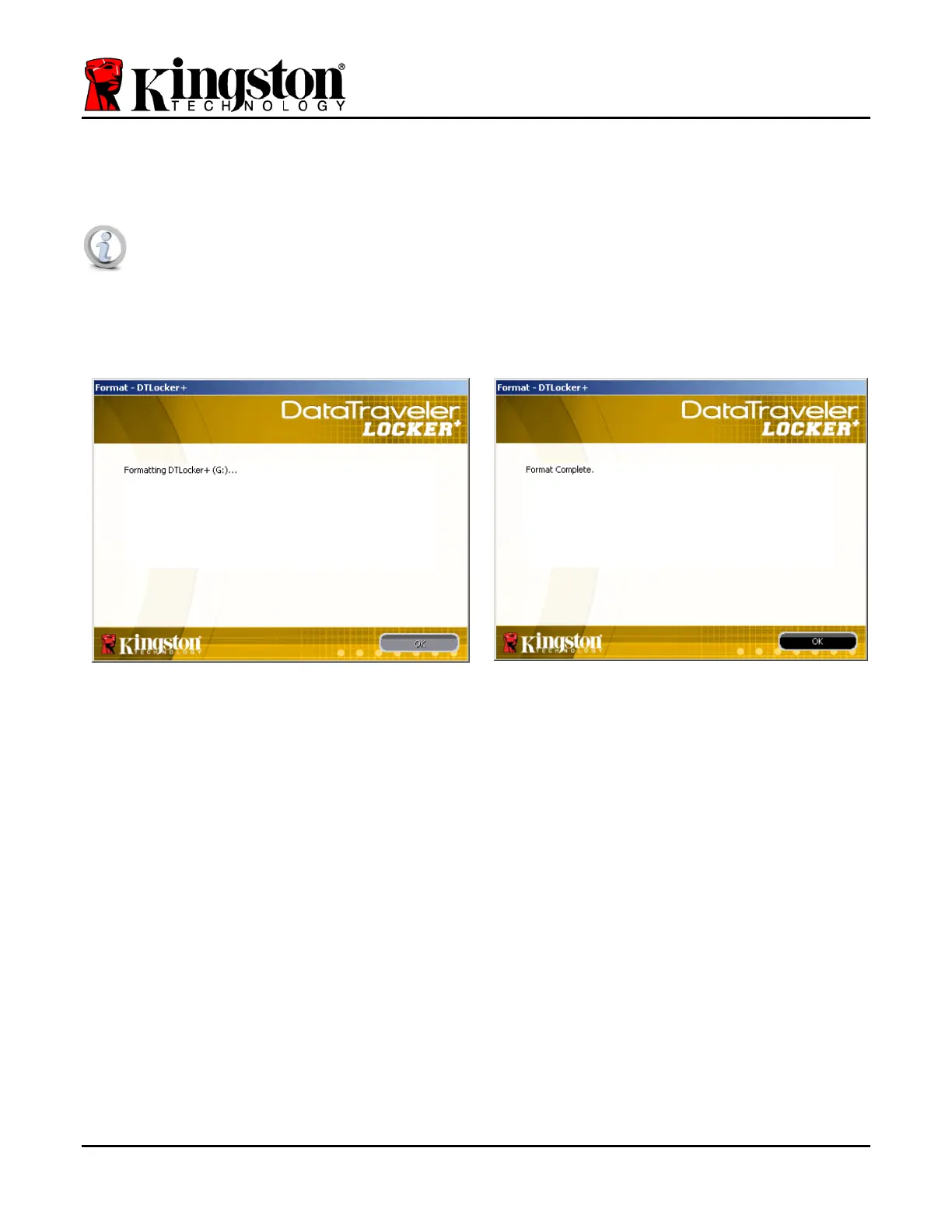
The DTL+ will now format the secure data partition (Figure 3.5) and notify you when it is
complete (
Figure 3.6.)
Note: If operating under Windows XP in Non-Admin mode, the ‘Format’ routine
can take up to a minute.*
6. Click ‘OK’ to continue.
Figure 3.5 – Formatting DTL+ Figure 3.6 – Format Complete
Initialization complete.
*Note: Times may vary based on system hardware and the capacity of the DTL+ drive.
Document No. 48008071-001.A02 DataTraveler
®
Locker+ Page 8 of 22


 To Next Page