Chapter 2 Basic Operation 2-17
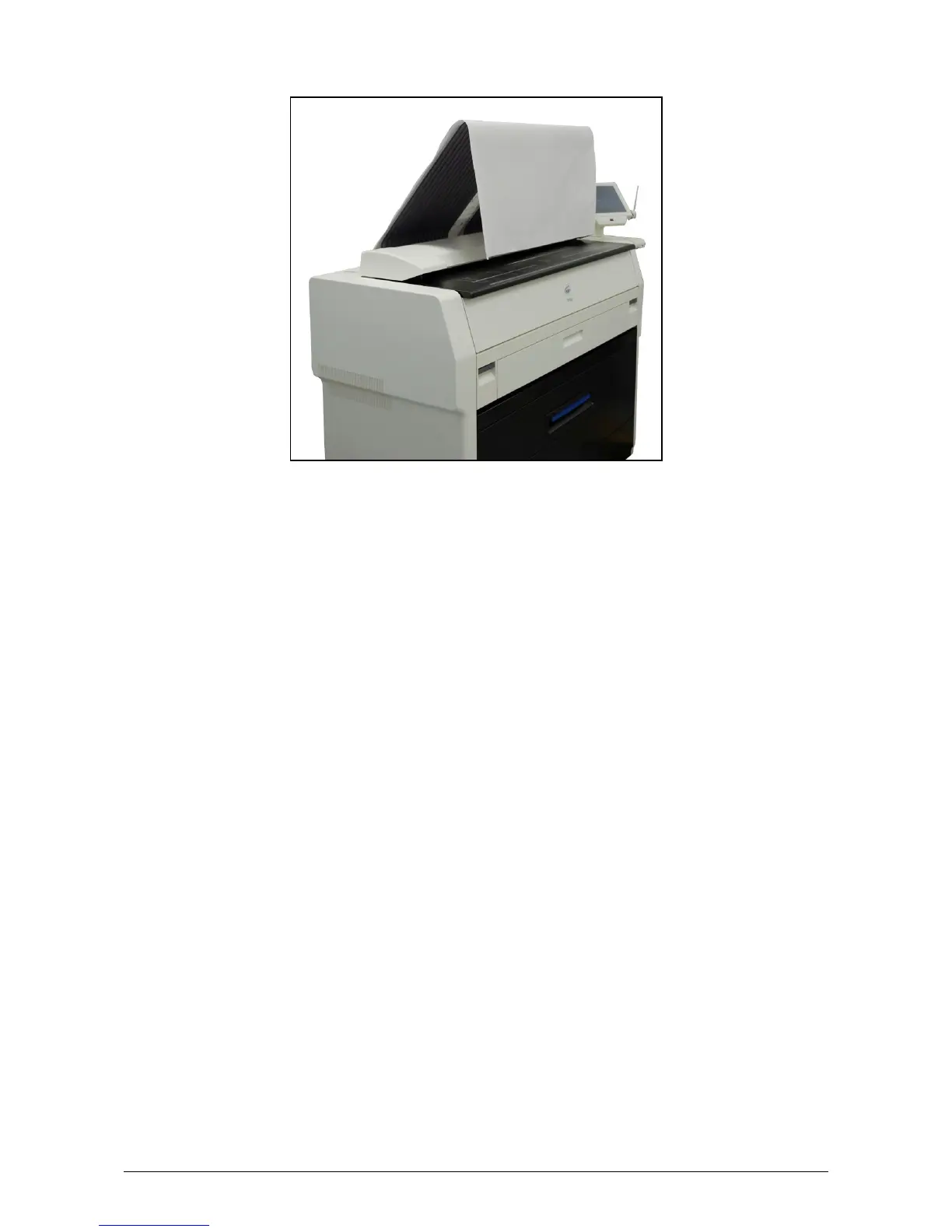
The KIP 7100 has the ability to eject prints / copies to the printer’s top tray (standard) / rear
stacking equipment (option).
For the top tray, the printer will inform you of “Tray Full” on exceeding capacity of stacking.
If the UI screen shows “Tray Full”, remove all the prints on the top tray.
For further information of switching top / rear ejection, see KIP IPS Touch screen Operator’s Guide.



 To Next Page