Chapter 2 Basic Operation 2-16
2. 6 Copying
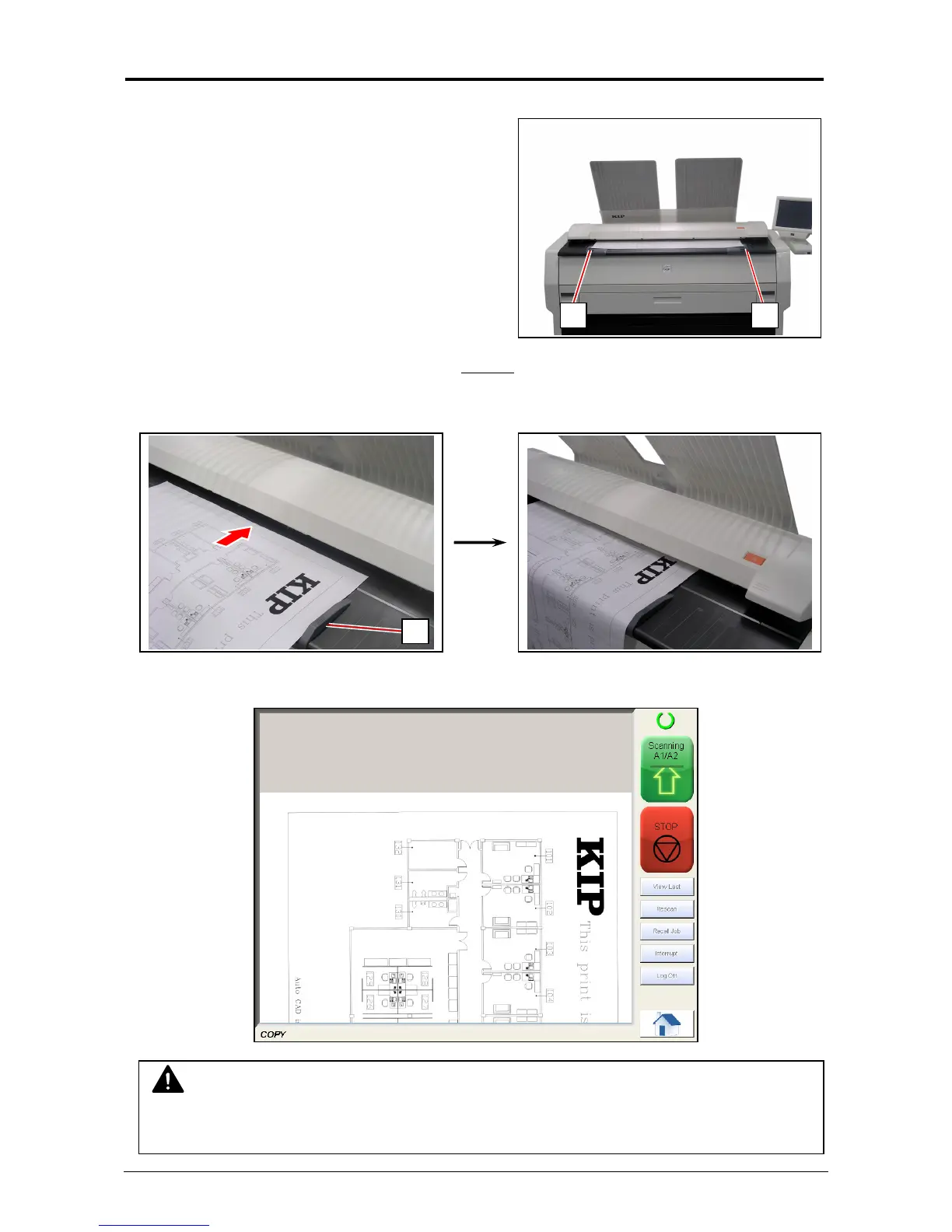
1. There are several size markings on Original Table
which indicate possible feed positions.
Line up Original Guides (1) with the proper
markings according to the original width.
2. Place the original on the Original Table with face up
.
Then insert it under the Scanner Unit along with Original Guides (1).
When the leading edge touches the original feeding roller, the machine automatically carries
and sets the original at the proper position.
3. The KIP 7100 will start the copy process.
NOTE
The scanner unit does not accept originals automatically during Sleep Mode. Tap on the UI
screen and then insert an original.
1 1
1



 To Next Page