Chapter 3 Error Correction 3-11
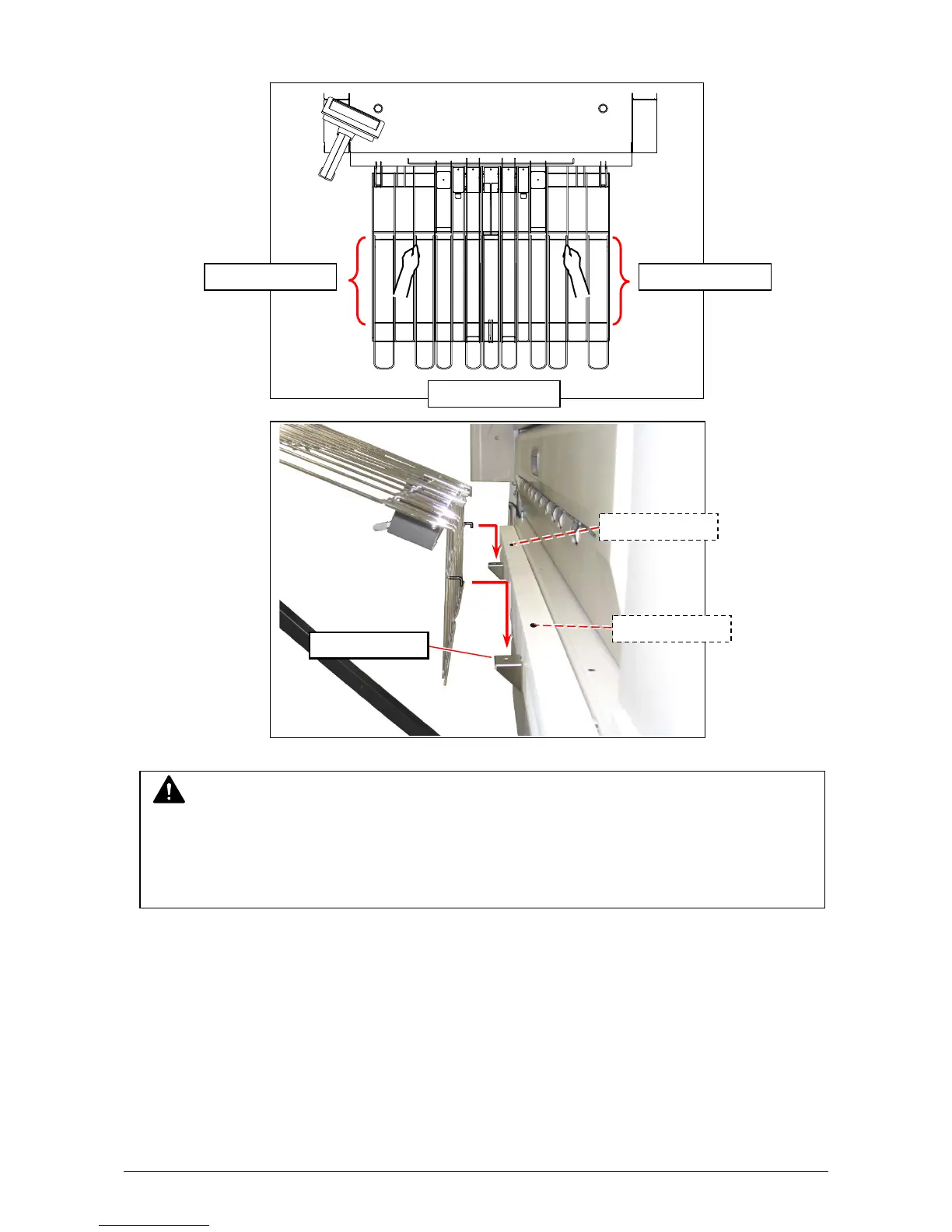
3. With holding the thick wire(s) on the overlapping area of the tray, lift up the entire tray.
Insert the hooks into the holes on the tray rest. (release position)
NOTE
(1) Do not hold a thin wire to carry the entire tray.
(2) You cannot open Exit Cover until you move the tray from “operation position” to “release
position”.
(3) Do not place any heavy object on the tray with mounted at “release position”.
Hold the wire



 To Next Page