Chapter 3 Error Correction 3-12
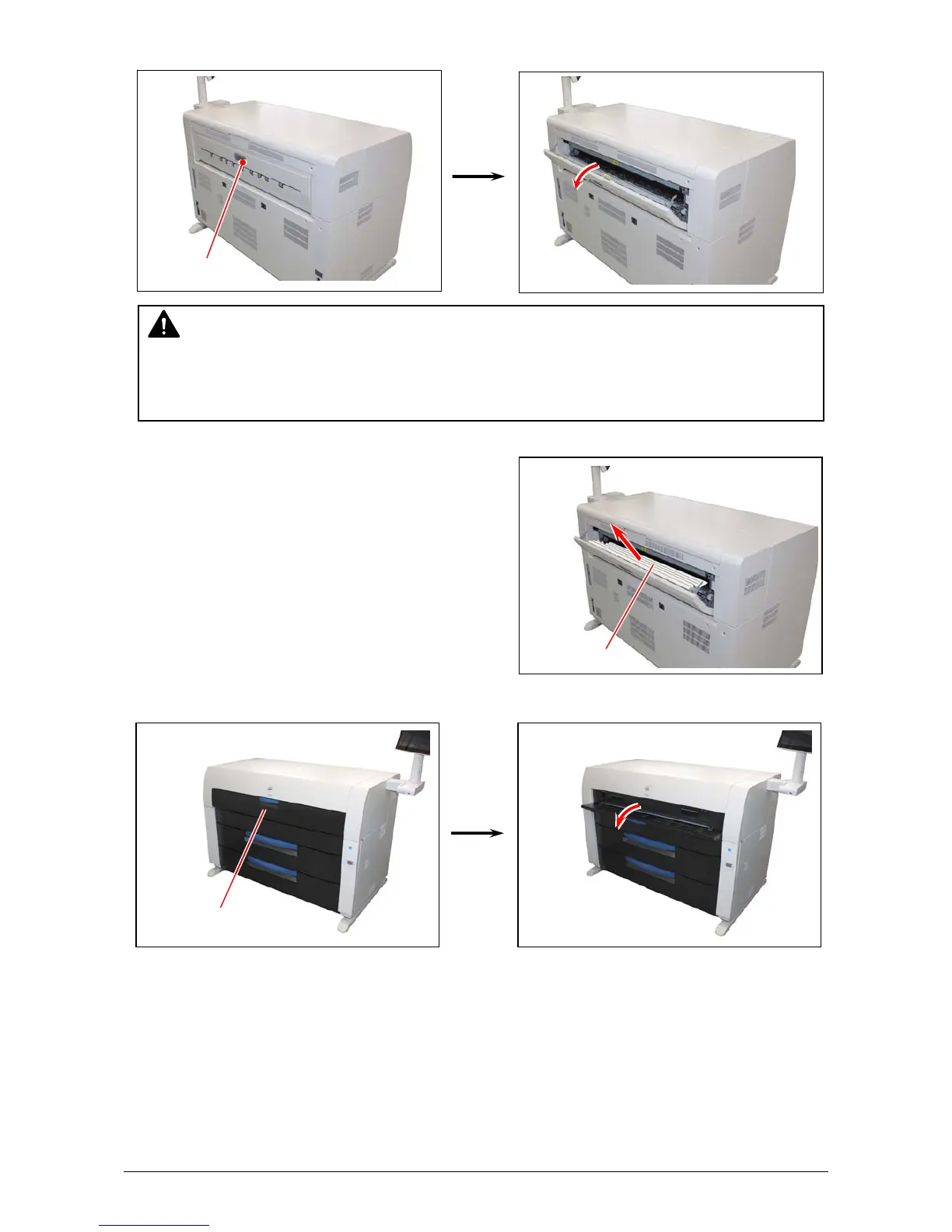
4. Open Exit Cover.
5. If it is possible to access the mis-fed paper, pull it out backward gently.
Be careful not to tear the mis-fed paper.
If it is possible to access it, close Exit Cover.
High Capacity Print Tray requires relocation. See
step 12.
If it is not possible, go to the next step.
6. Open the Manual Table.
WARNING
There are extremely hot parts inside the Heater Unit. Do not touch any parts in the Heater
Unit, or you will be burnt.
Also the mis-fed media can be very hot. Be careful not to get burnt when you remove it.
Exit Cover
Print
Manual Table



 To Next Page