17
USING YOUR FOOD PROCESSOR
Before Use
Before operating the Food Processor, be
sure the work bowl, blades, and work bowl
cover are properly assembled on the Food
Processor base (see “Setting Up Your Food
Processor”).
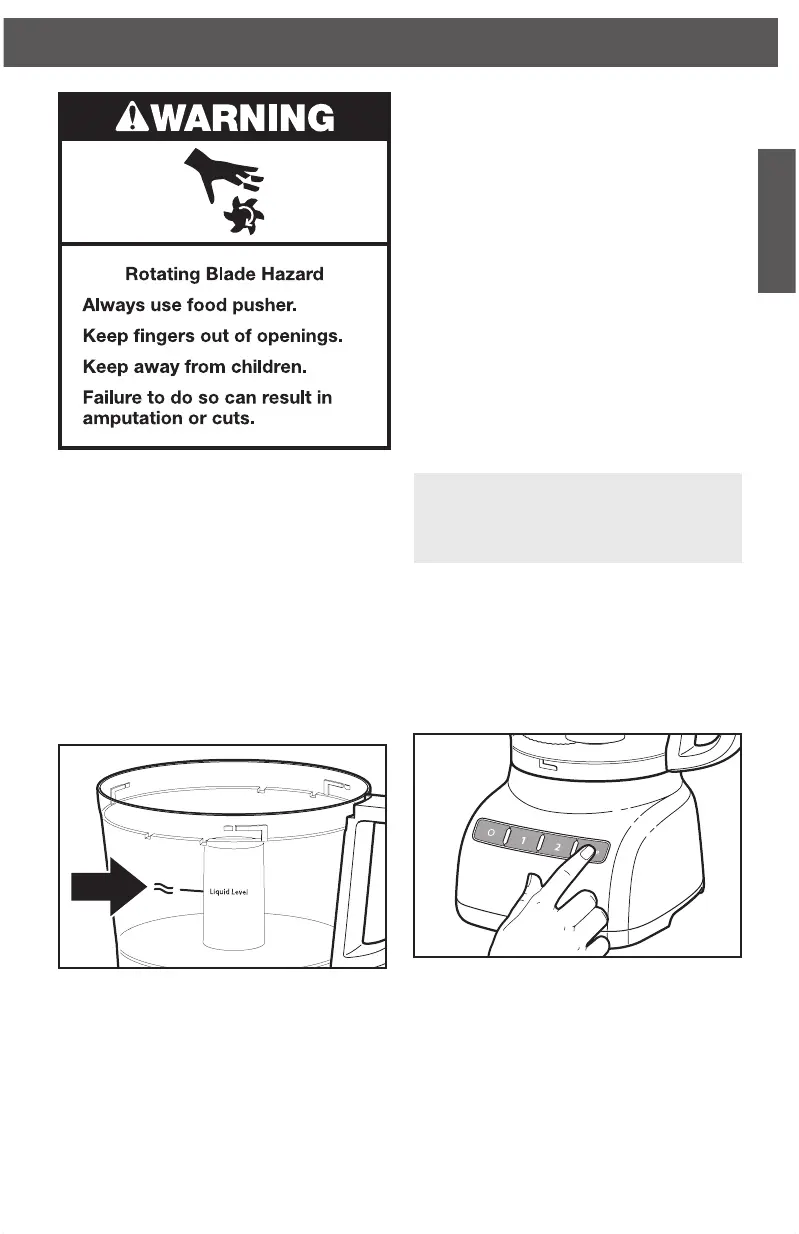
Maximum Liquid Level
This line on the work bowl indicates
the maximum level of liquid that can be
processed by the Food Processor.
Using the Speed1/Speed 2
Control
1. To turn on the Food Processor, press
the Speed 1 button (low speed, for soft
food) or the Speed 2 button (high speed,
for hard food). The Food Processor will
run continuously and the indicator light
will glow.
2. To stop the Food Processor, press the
O (OFF) button. The indicator light will
go out and the blade or disc will stop
within a few seconds.
3. Wait until the blade or disc comes to a
complete stop before removing the work
bowl cover. Be sure to turn off the Food
Processor before removing the work
bowl cover, or before unplugging the
Food Processor.
NOTE: If the Food Processor fails to
operate, make sure the work bowl and
cover are properly locked on the base
(see “Setting Up Your Food Processor”).
Using the Pulse Control
The pulse control allows precise control of
the duration and frequency of processing.
It’s great for jobs which require a light touch.
Just press and hold the PULSE Button to
start processing at high speed, and release
it to stop.
W10529658B_01_EN_v02.indd 17 10/24/14 10:38 AM



 To Next Page
 Loading...