16
CARE AND CLEANINGOPERATING THE TOASTER
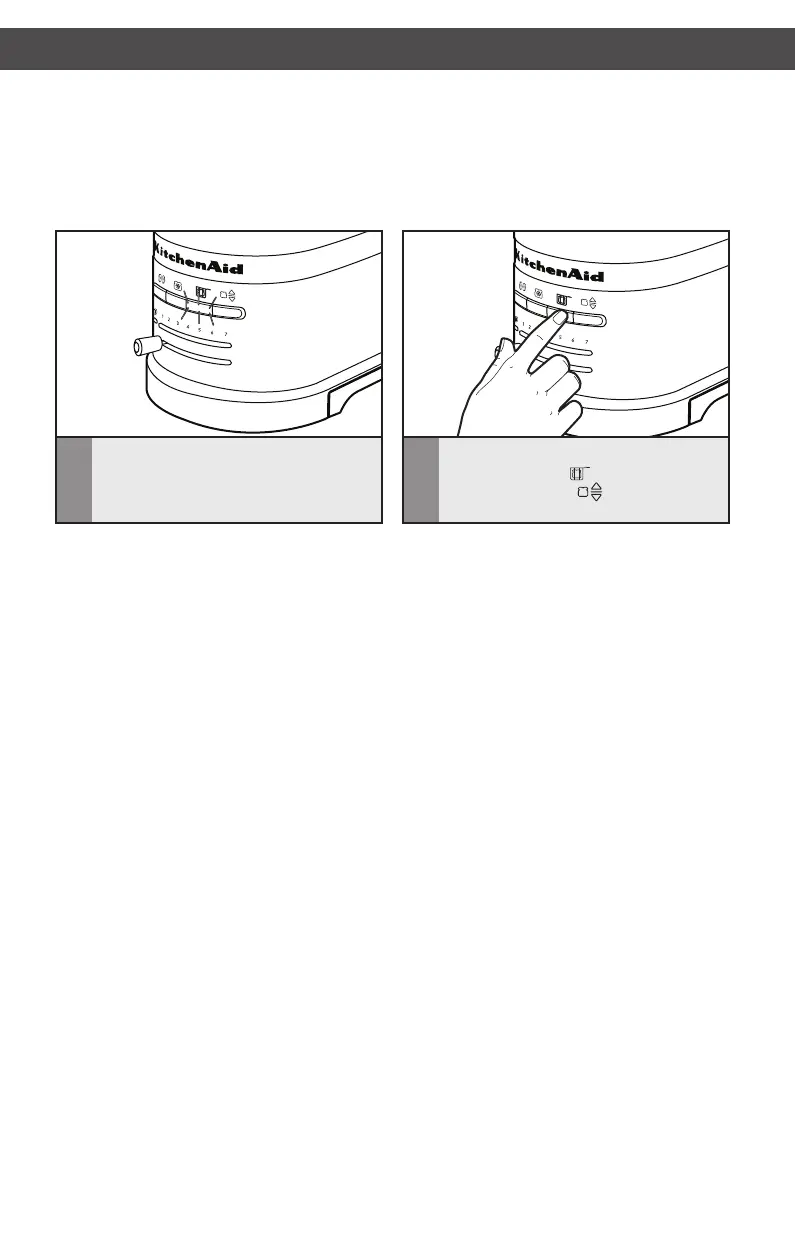
7
When the sandwich is ready, a signal will
beep 3 times, and the Sandwich button
light will blink.
8
Remove Sandwich rack and press either
the SANDWICH ( ) button or the
TOAST/CANCEL ( ) button to return
the carriage to its proper position.
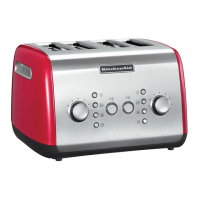
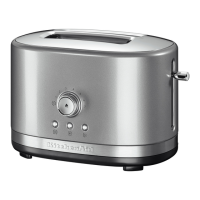
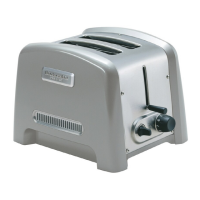
NOTE: For even toasting on 2-slot models, toast only one bread type and thickness at a
time. If toasting two different types or thicknesses of bread with 4-slot models with Dual
Independent Controls, be sure to toast only one bread type in each pair of slots.
Do NOT store your Sandwich rack in the Toaster, or place it back in the Toaster once
sandwich is toasted and unloaded. This would start a new toasting cycle and prevent
toaster from working properly.
NOTE: If Sandwich rack is not removed, a signal will beep every 30 seconds for 2 minutes
and the Sandwich button light will blink to remind you to remove it. If Sandwich rack is not
removed within 2 minutes, the toaster will automatically turn off. In any case, the Sandwich
rack must be removed to operate Toaster again.
W10506838B_01_EN_v02.indd 16 2/12/14 5:32 PM


 To Next Page
 Loading...