4-24
n
KitchenAid 2015 Microltration Dishwashers
COMPONENT ACCESS
Removing Opcal Water Indicator
1. Unplug dishwasher or disconnect power.
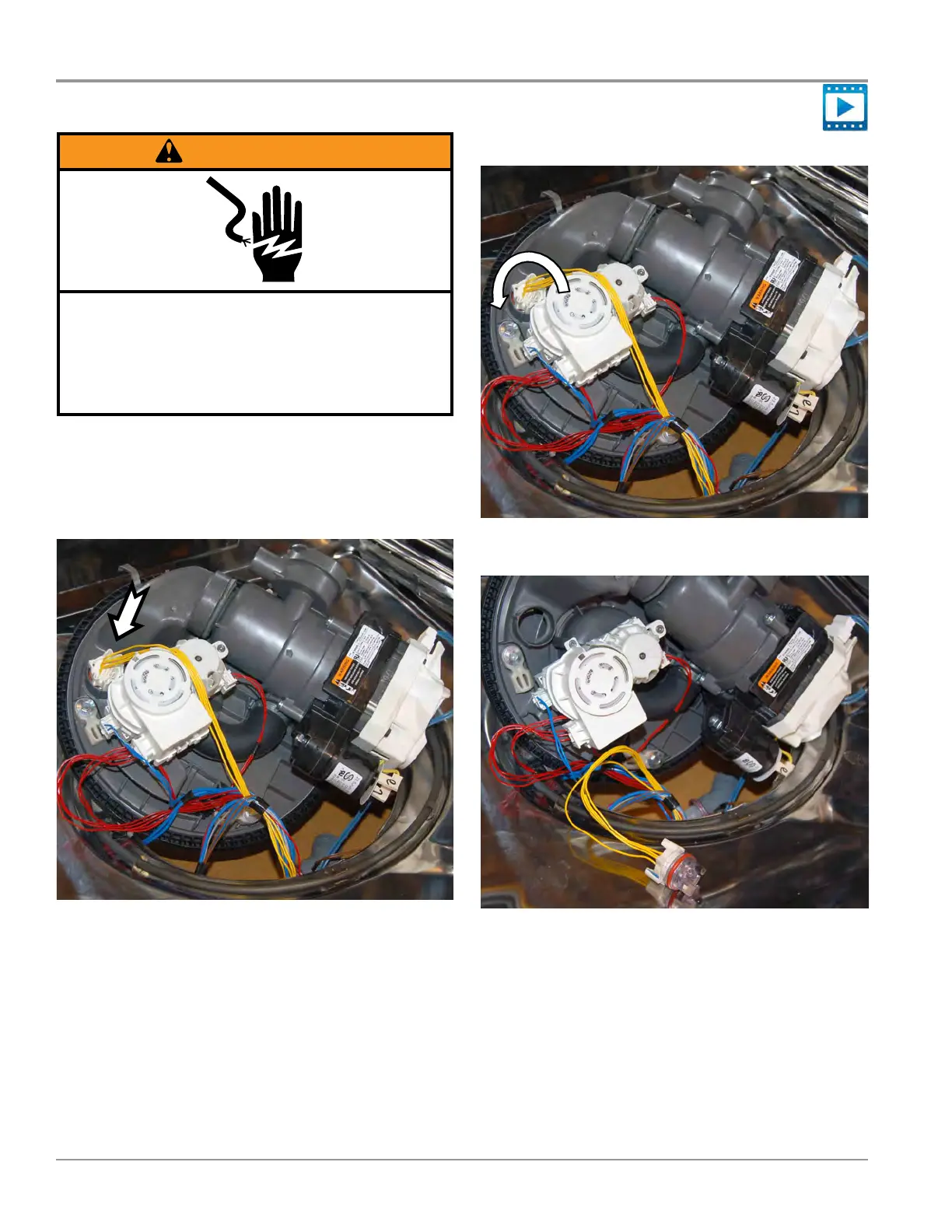
2. Locate Opcal Water Indicator on boom of sump
assembly (see Figure 1).
Figure 1
Removing Optical Water Indicator
WARNING
Electrical Shock Hazard
Disconnect power before servicing.
Failure to do so can result in death or
electrical shock.
Replace all parts and panels before operating.
3. Rotate opcal water indicator counter-clockwise 1/4 turn,
see gure 2.
Figure 2
4. Pull out to remove, see gure 3.
Figure 3
5. Disconnect harness from Opcal Water Indicator.




 To Next Page