Instructions for Use
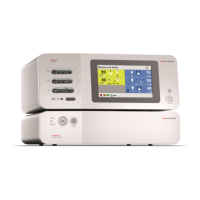
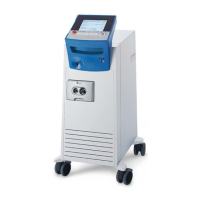
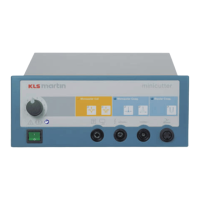
Electrosurgical Unit Minicutter
Revision 08 7
Important Notices
The product may only be repaired by Gebrüder Martin or a qualified person or firm expressly authorized by
Gebrüder Martin to perform such work.
If the repair is carried out by a person or firm specially authorized by Gebrüder Martin, the operator of the
product is required to obtain from the repairer a certificate with details about the nature and scope of the
repair work done. This certificate must show the date of the repair and the details of the person or firm
carrying out the work and must be signed.
In all cases where a party other than the product manufacturer performed the work, repaired products
must be additionally marked with the repairer’s ID label.
Improper interventions or alterations performed by third parties during the period of limitation shall void
any and all warranty claims. Unauthorized actions performed on the product shall invalidate any liability
claims against Gebrüder Martin.
1.5 Inspection upon Receipt by User
Immediately upon receipt, the goods must be checked for completeness and potential damage in transit.
Notice of any such damage must be given immediately.
1.6 Hotline
• Should you have any questions on how to handle the product or use it for clinical applications, please
do not hesitate to contact the Product Management:
Phone: +49 7461 706-243
Fax: +49 7461 706-190
• Should you have any technical questions, please do not hesitate to turn to our Martin Service Center:
Phone: +49 7461 706-343
Fax: +49 7461 706-408
E-mail: service@klsmartin.com
• Should you have any questions concerning maintenance contracts or training courses, please contact
our Technical Service Manager:
Phone: +49 7461 706-332
E-mail: service@klsmartin.com
To answer your technical questions as
efficiently as possible, our service technicians require the serial
number of the product. Therefore, please have this number at hand when contacting our hotline.
The
serial number is to be found on the rating plate; see section 4.2 Functions of the Control Elements,
Connections and Displays, page 11.


 To Next Page