33
SMARTMEDIA Card: Usage
Use as memory card in combination with additional functions.
Additional functions must be ordered separately (activation via TAN).
A SmartMedia card is provided with the following additional functions:
• Software update (SW 3400-106, see Pg 45)
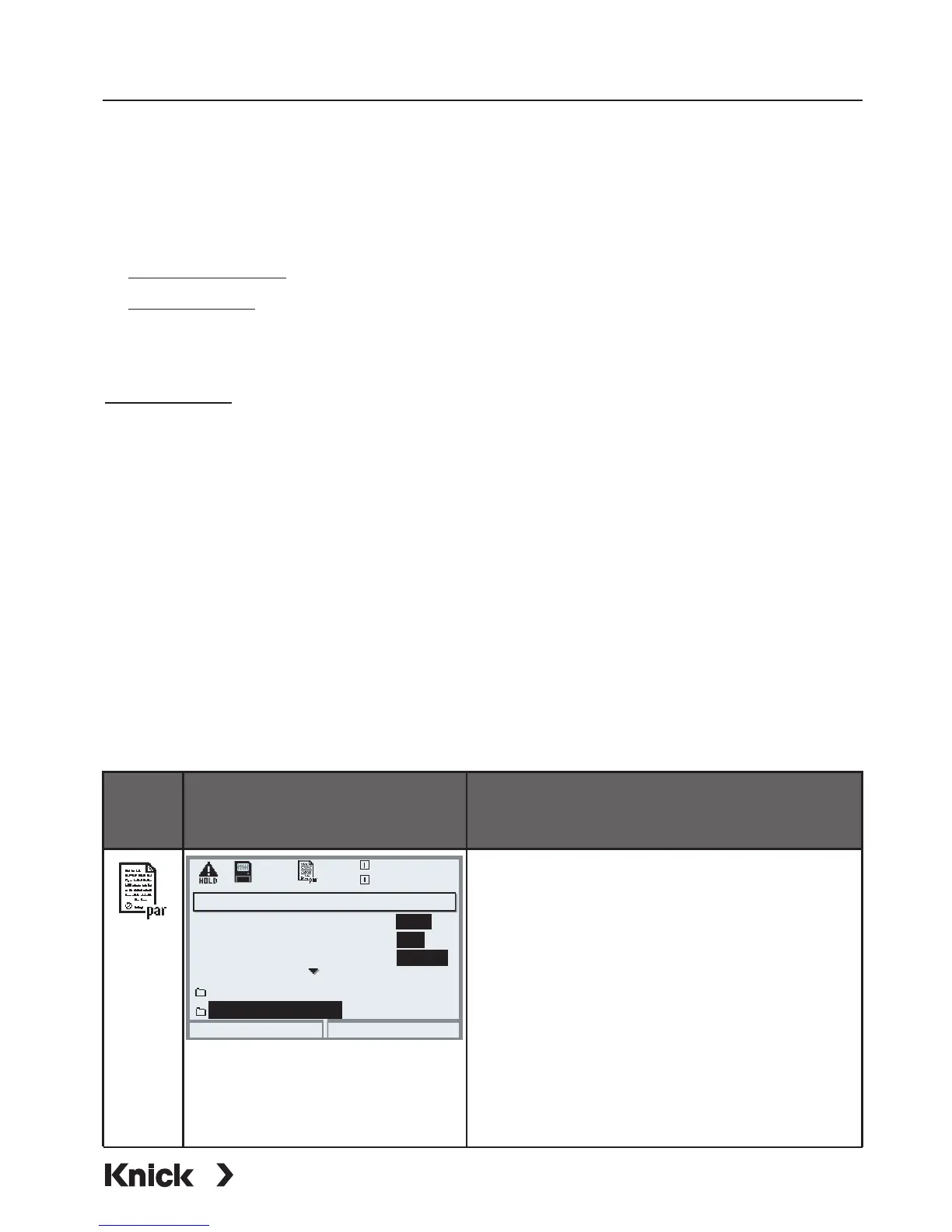
Menu Display Formatting a SmartMedia card
Formatting
• Insert the SmartMedia card
• Open menu selection
• par, Administrator level
• Enter passcode
• System control: Select ”Memory
card” (The ”Memory card”
function is only available with the
SmartMedia card inserted!)
• Select “Format card”
Memory card (Administrator)
Record logbook
Return
20.4 °C
Record recorder
Decimal separator
Format card
Copy configuration
0.003mS/cm
Card full
On
On
Point
Record stop
Off
Off
Comma
• Memory card (SW 3400-102 ... 1xx (see Pg 36 and the following)
Using commercially available SmartMedia cards
Commercially available SmartMedia cards can be used as additional
memory card.
The following types of cards are supported: 8MB, 16MB, 32MB, 64MB and
128MB. Externally produced files, such as from a digital camera, are tolerated.
Long file names can be read. Protos generates file names in the 8.3 format
(8characters file name, 3 characters program-specific file name extension).
Formatting a commercial SmartMedia card
Some devices (e.g. digital cameras, scanners) cause a formatting of the
SmartMedia card which does not correspond to the SSFDC specification or the
SmartMedia Interface Library (SMIL). The manufacturer therefore recommends
to format a commercial SmartMedia card as Protos memory card prior to first
use.



 To Next Page