50
Protos 3400(X)
Menu
Display
Activating the additional function
Activating the AuditTrail
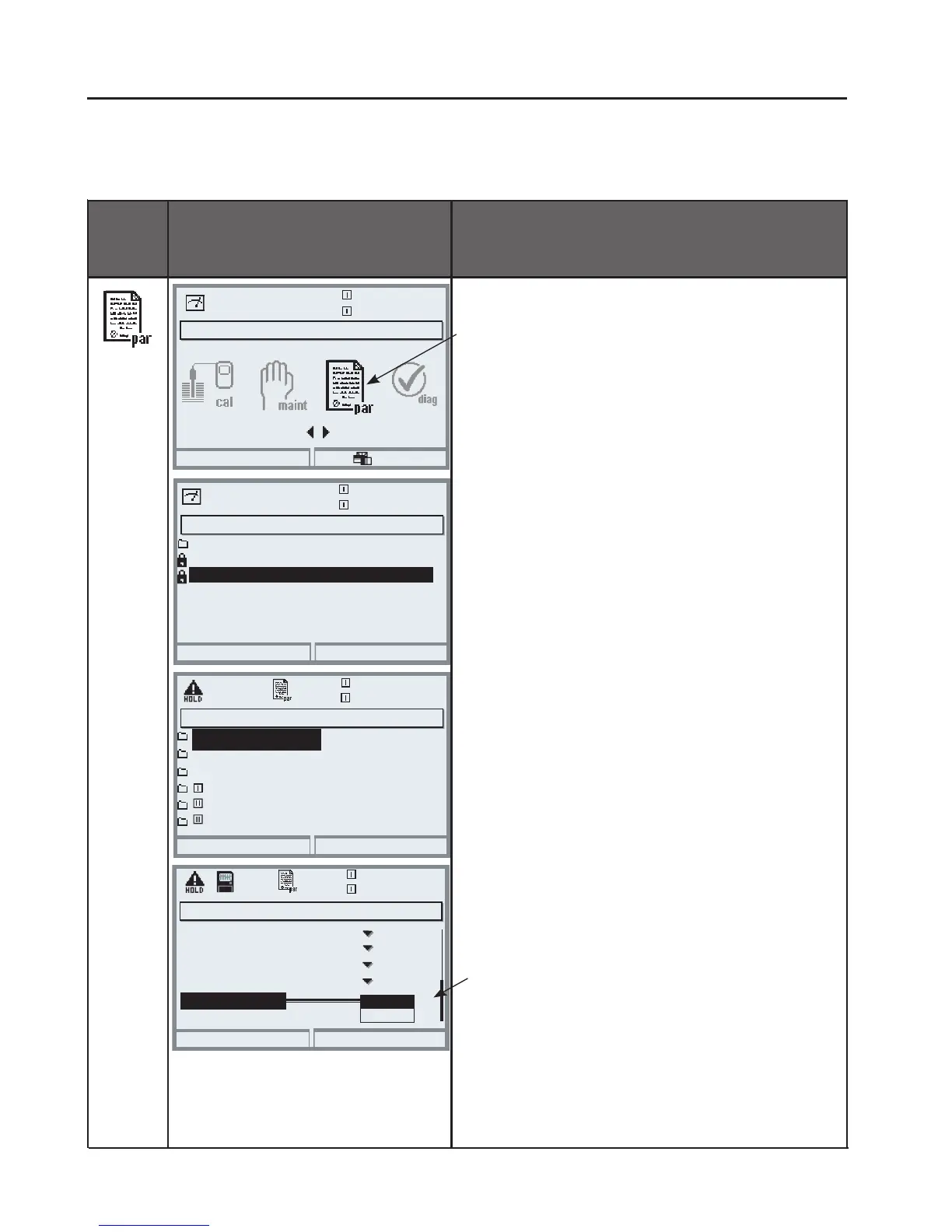
Select menu: Parameter setting/System control/Release of options
Note: The TAN for releasing an additional function is only valid for the device
with the corresponding serial number!
Release of options
Select the additional function to be
released.
Set option to “active”. Enter the TAN
at the prompt. (Note: The TAN is only
valid for the device with the corre-
sponding serial number, see previous
page.) The option is available after
the TAN has been entered.
Release of options (Administrator)
Abort
25.6 °C
0.003mS/cm
103 Measurement recorder
102 Parameter sets
106 Software update
104 Logbook
107 AuditTrail
Active
Inactive
Inactive
Inactive
Active
Menu selection
Open parameter setting.
From the measuring mode:
Press menu key to select menu.
Select parameter setting using arrow
keys, press enter to confirm.
Menu selection
Return to meas
0.003mS/cm
25.6°C
Select:
[enter]
Lingua
Parameter setting (Administrator)
System control
Return
25.6°C
Module BASE
Module OXY 3400-062
16.9%Air
Module PH 3400-032
Module CONDI 3400-051
Module FRONT
Parameter setting
Return
25.6°C
0.003mS/cm
Viewing Level
Administrator Level
(All Data) adm
(Operation Data) opl
(All Data) view
Operator Level
Parameter setting
Select Administrator level using arrow
keys, press enter to confirm.
Enter passcode and confirm
(Passcode as delivered: 1989).
Select System control using arrow
keys, press enter to confirm.
Then select Release of options using
arrow keys, press enter to confirm.
Inactive



 To Next Page