51
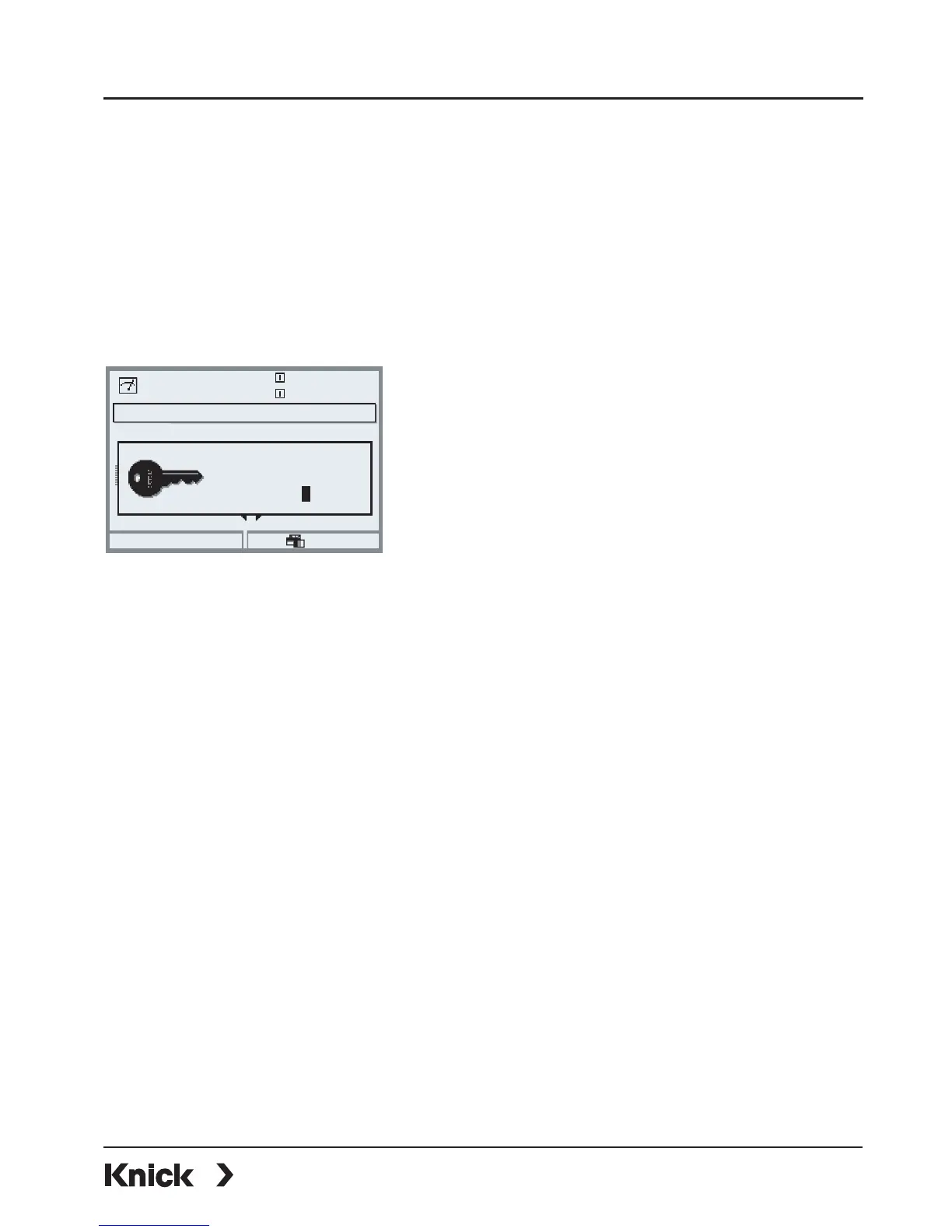
Entering a Signature
(User name, passcode)
Signature
User: ADMIN
Passcode: 1989
Default setting for signature
Menu selection
Return to meas
7.00pH
25.6°C
Select:
[enter]
Lingua
Entering a signature (user name, passcode) to open a menu
Passcode:
• • •
User: ADMIN - - -
Enter signature:
To protect the data against unauthorized query or modification, access data
must be entered before a main menu from the menu selection is opened.
Two-stage security is provided by input of user name and passcode.
The passcode is not visible. It is only displayed
as 4 dots. The administrator can delete each
user's passcode (with entry in audit trail log).
The user is identified by his/her access data.
9
After entry of the valid signature all menus are available with the defined user
rights. Only in measuring mode, the rights will be erased again. This allows
accessing several menus without having to enter the access data each time.
When an invalid combination of user name and passcode is entered, access is
denied with the text “Wrong passcode”. The entry “Wrong passcode” with the
entered (wrong) user ID is recorded in the AuditTrail log.



 To Next Page