52
Protos 3400(X)
Parameter setting
In the System control menu the Administrator can adjust the audit trail system
to the requirements of his company. For example, he/she can select the
protection against unauthorized query and the encrypting of the data in the
audit trail log.
• “AutoComplete” is an input assistance for the
user name as known from some Windows
programs.
• Access to the Diagnostics menu can be “free”
or require input of a “Signature” according
to the access authorization granted the User
Management menu.
• For the recording on SmartMedia card, an
encryption can be activated so that the data
cannot be read or queried without corre-
sponding programs.
User management
An administrator and up to 5 users can be entered in the Protos 3400.
Each user has a user name (max. 8 characters) and a passcode (4 characters).
Each user can be granted access and usage rights for each main menu level.
The combination of user name and passcode is the user's "Electronic Signature".
Every logged modification is signed and can clearly be traced back.
Different access rights for each menu can be defined for each user.
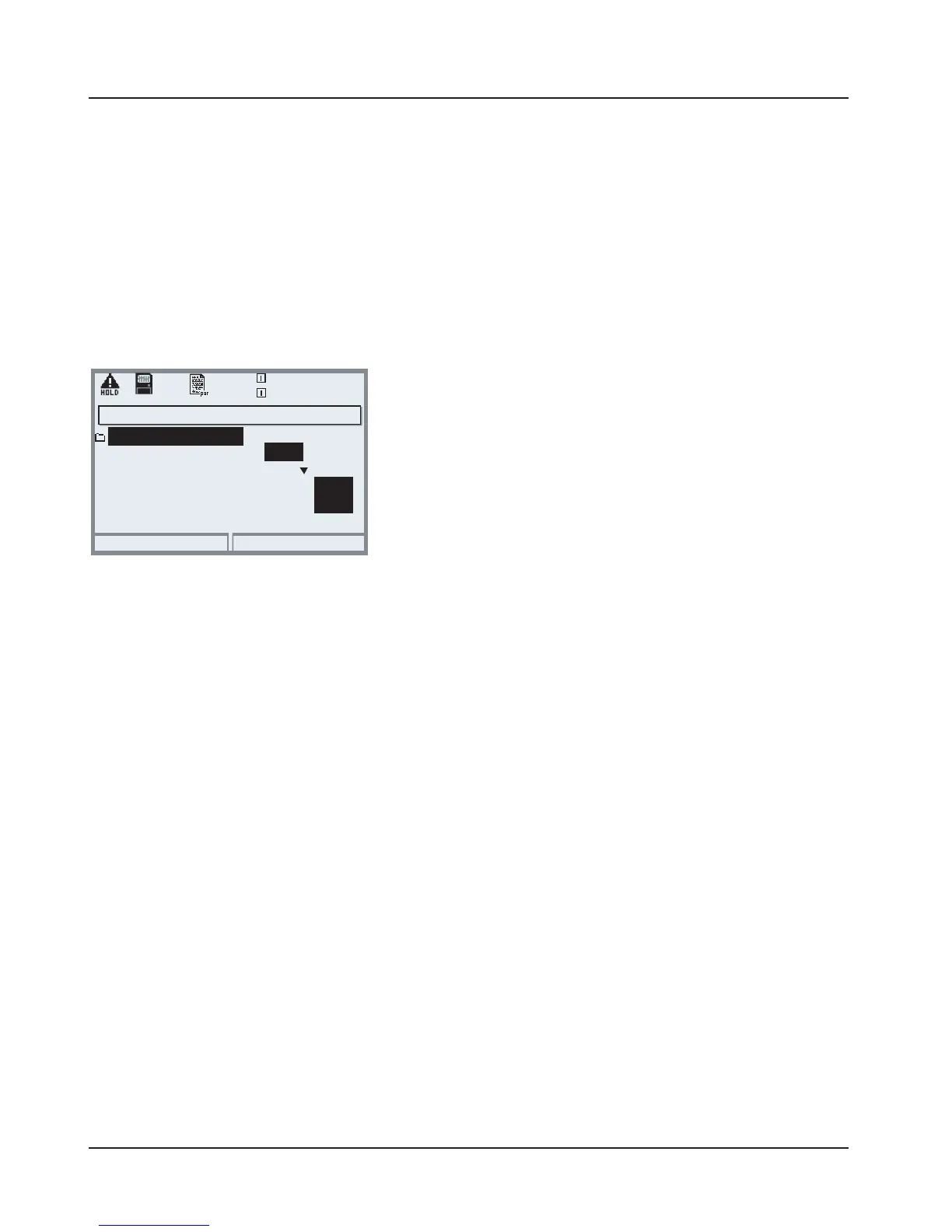
AuditTrail: Parameter Setting
Adapt function: Parameter setting/System control/AuditTrail
Return
25.6 °C
7.20 pH
AutoComplete
Record AuditTrail
Access diag menu
User management
Coding Log
AuditTrail (Administrator)
On
Off
Off
On
Off
On
Free



 To Next Page