53
AuditTrail: User Management
Create, edit, erase user data
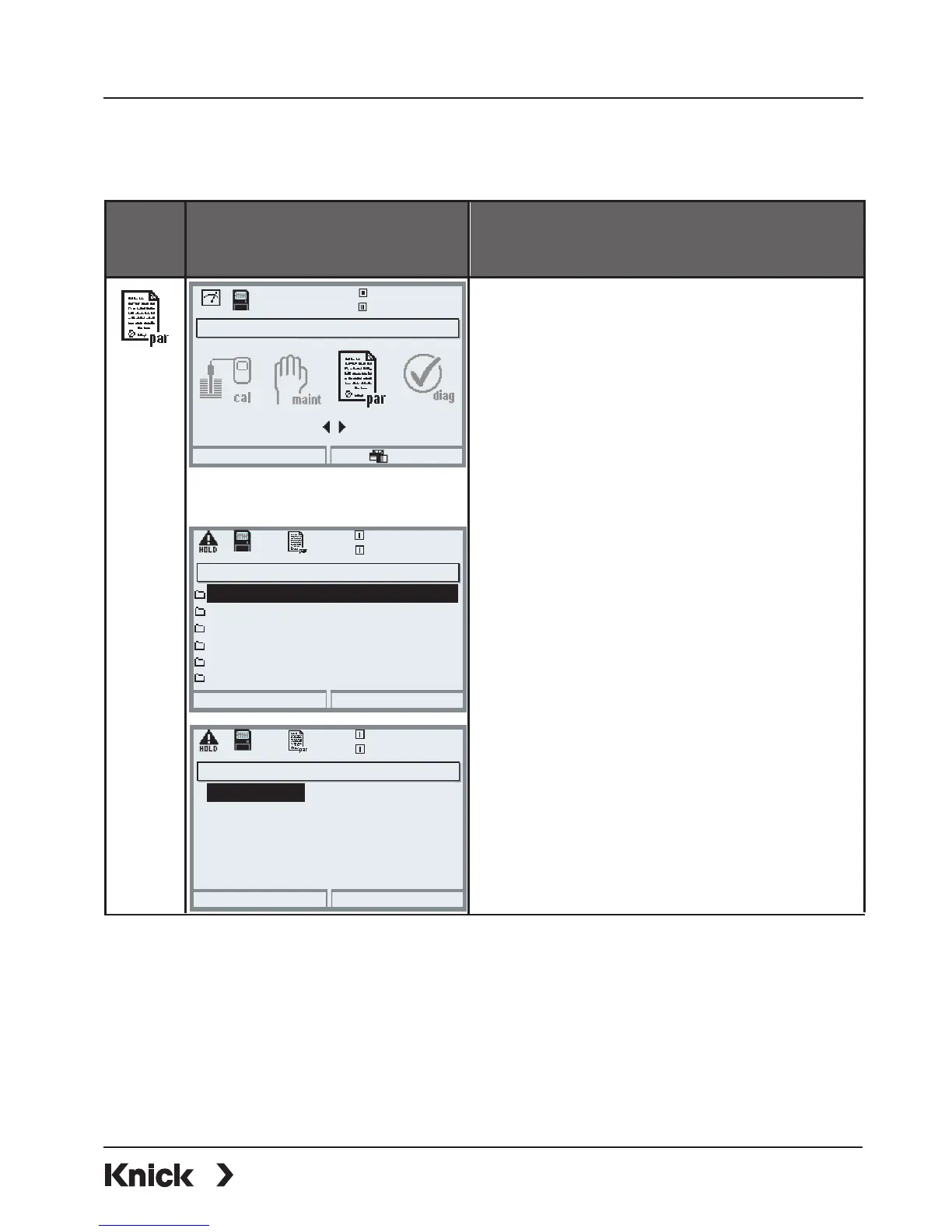
Menu Display AuditTrail: User management
Menu selection
From the measuring mode:
Press menu key to select menu.
Select parameter setting using arrow
keys, press enter to confirm.
Signature for first access:
User: ADMIN
Passcode as delivered: 1989
Menu selection
Return to meas
17.1 °C
Select:
[enter]
Lingua
7.00 pH
Return
25.6 °C
7.20 pH
User 1: BERT
User 3: KERMIT
User 2: ERNIE
Admin: ADMIN (adj, maint, spe, diag)
User management (Administrator)
Select: Parameter setting/
System control/AuditTrail/
User management
Access data and rights can be created
for the administrator and up to
5users.
The administrator always has admin-
istrator rights for parameter setting.
The user enters his/her passcode after
being asked to do so by the adminis-
trator. The passcode is only displayed
as a series of 4 dots.
User 5:
User 4:
(cal; maint; opl, diag)
(view, diag)
(view)
()
()
Return
25.6 °C
7.20 pH
Passcode
maint level
cal level
User name
User 1: Setup (Administrator)
diag level
par level
••••
Maintenance
Check
Diagnostics
Operator
BERT - - - -
Access rights for the main menu levels:
• Calibration: [ No access | Check | Adjustment ]
• Maintenance: [ No access | Maintenance ]
• Parameter setting: [ No access | Viewing | Operator | Administrator ]
• Diagnostics: [ No access | Diagnostics ]



 To Next Page