15
Minnesota | Poll Pad Guide
PROCESSING VOTERS | REGISTRATION UPDATE
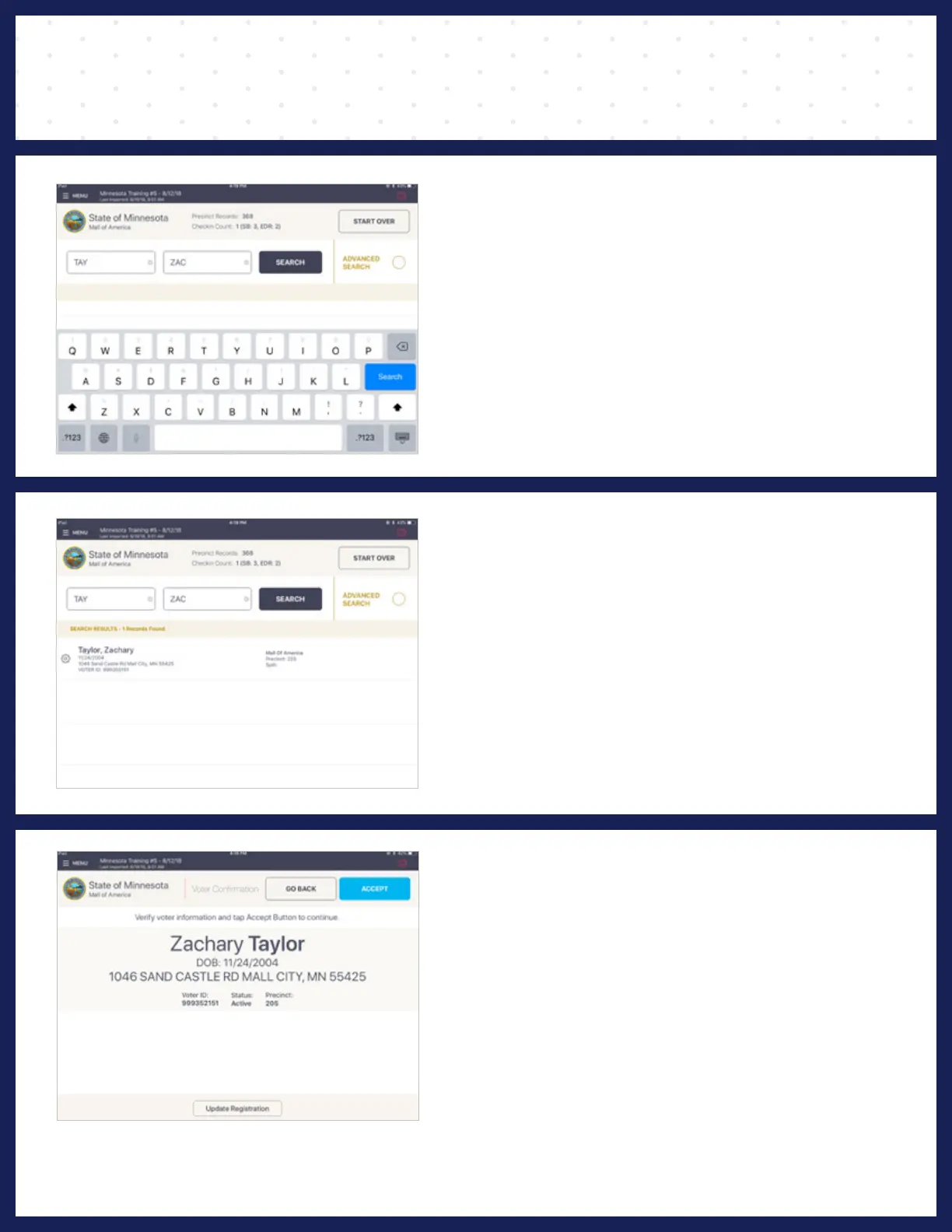
❶ ENTER VOTER'S NAME
Use the on-screen keyboard to enter the first
three (3) letters of the voters last and first name,
then press SEARCH.
❷ SELECT VOTER'S RECORD
Records matching the search criteria display on
screen. Locate the voter's record and verify it does
not contain any exceptions, then select the voter
by touching his or her record.
❸ VOTER CONFIRMATION
If the voter has had a legal name change or
change of address, select Update Registration
at the bottom of the screen.



 To Next Page