32
Minnesota | Poll Pad Guide
TROUBLESHOOTING
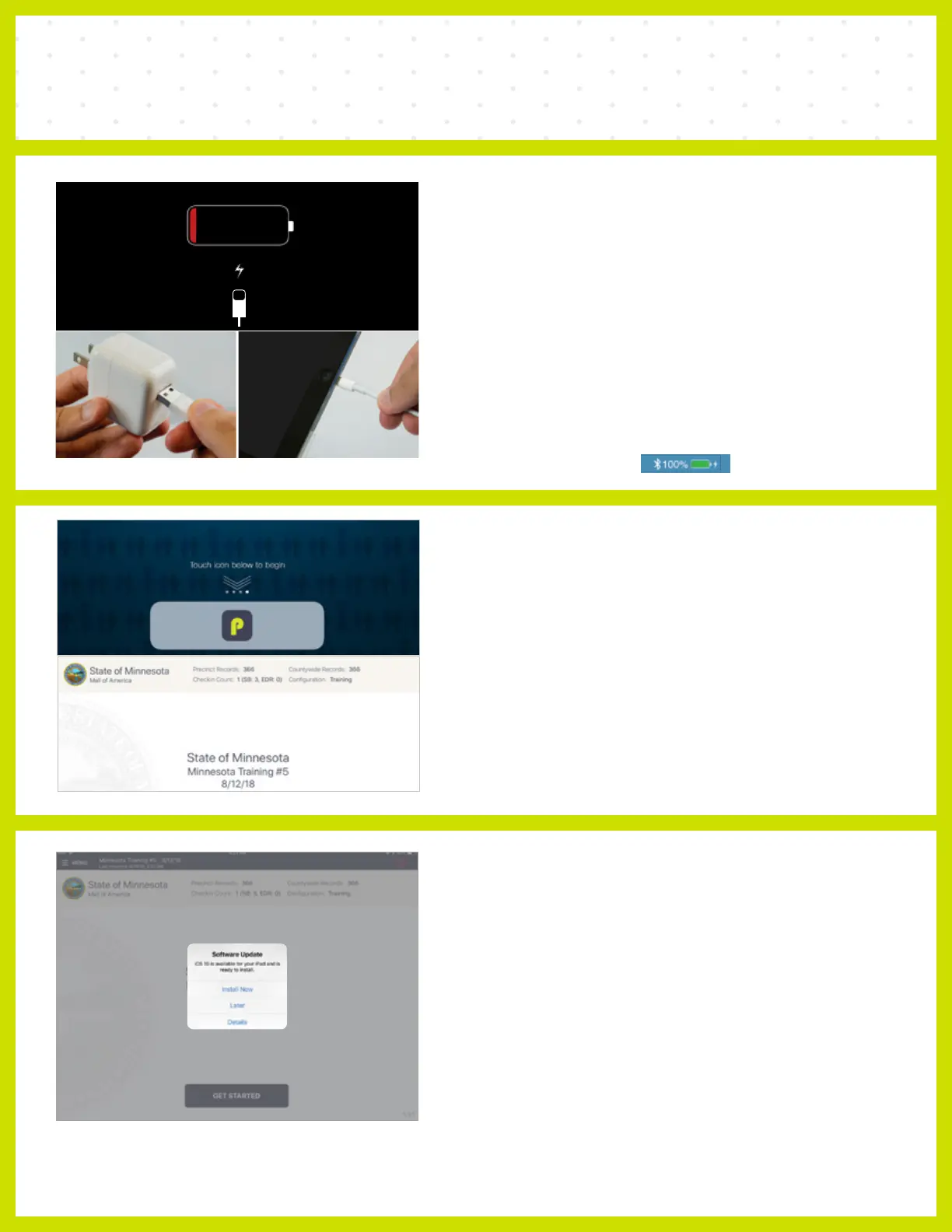
iOS SOFTWARE UPDATE
DO NOT perform a software update on the Poll Pad. In the unlikely
event that an iOS update prompt displays on the device, perform
the following steps:
❶ Touch Later from the list of on screen options
❷ Press the Home button and verify Poll Pad app remains open
CHARGING POLL PAD
❶ Plug USB end of power cable into power cube
❷ Plug power cube into an AC wall outlet
❸ Plug power cable into Lightning Connector on Poll Pad
❹ Wait about five minutes for the Poll Pad to charge
❺ Once there is sufficient power, Poll Pad will auto power on
❻ Resume normal operations
NOTE To confirm your unit is charging, verify battery icon is green
and lightning bolt is displayed.
OPENING POLL PAD
❶ If application does not automatically launch when powered on,
touch the Poll Pad App at the bottom of the Home Screen
❷ Verify the Minnesota homepage displays on screen



 To Next Page