37
Minnesota | Poll Pad Guide
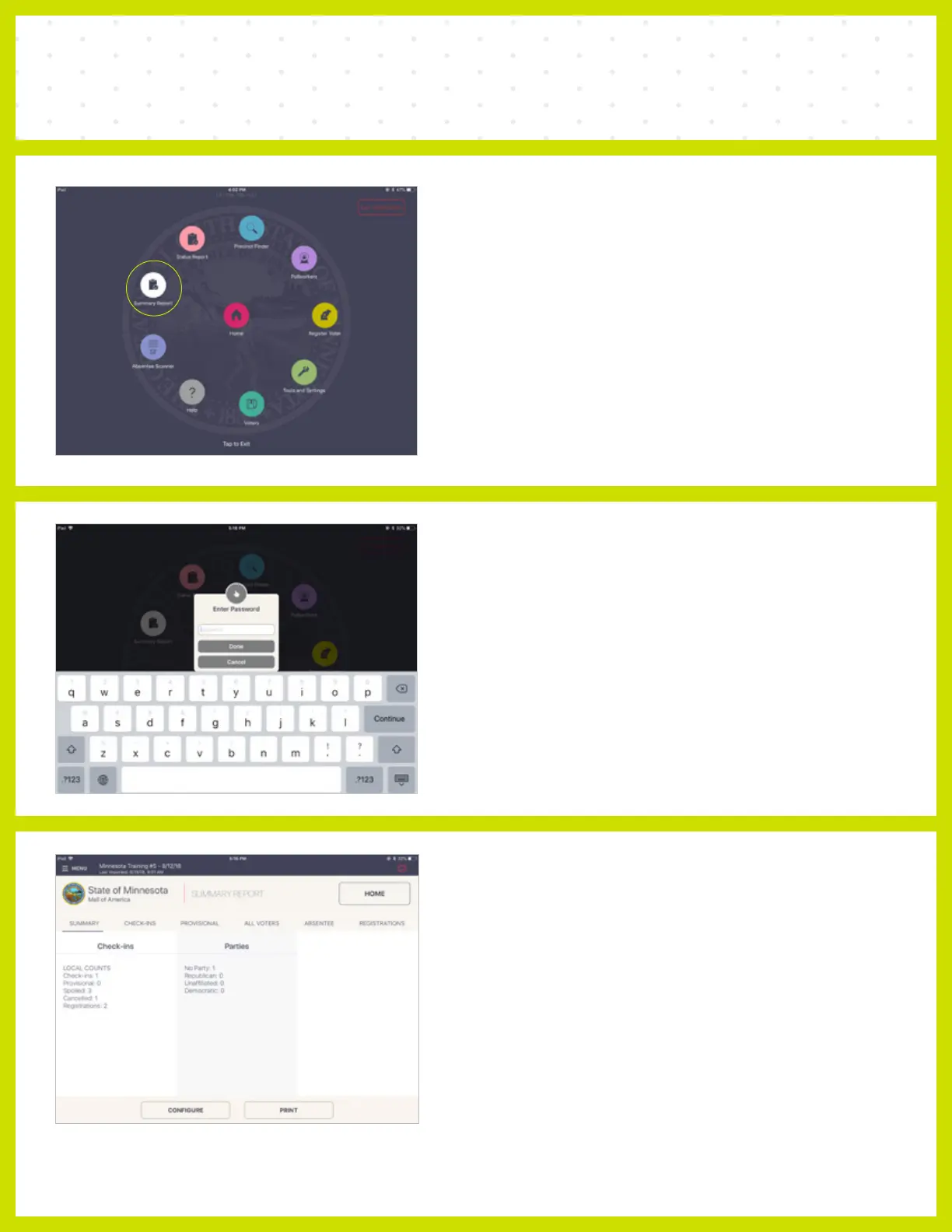
❸ SUMMARY REPORT
The Summary Report data can be filtered by type
using the headers across the top of the screen.
Use the CONFIGURE button at the bottom of the
screen to sort and print the desired information.
SUMMARY REPORT
❶ MENU
To access Summary Report contained in the
Poll Pad, press MENU > Summary Report.
❷ ENTER PASSWORD
The Poll Pad may ask for a password. Enter the
password and press Done.
*Consult Elections Office to obtain password.



 To Next Page