59
Minnesota | Poll Pad Guide
ABSENTEE UPDATES USING ABSENTEE SCANNER
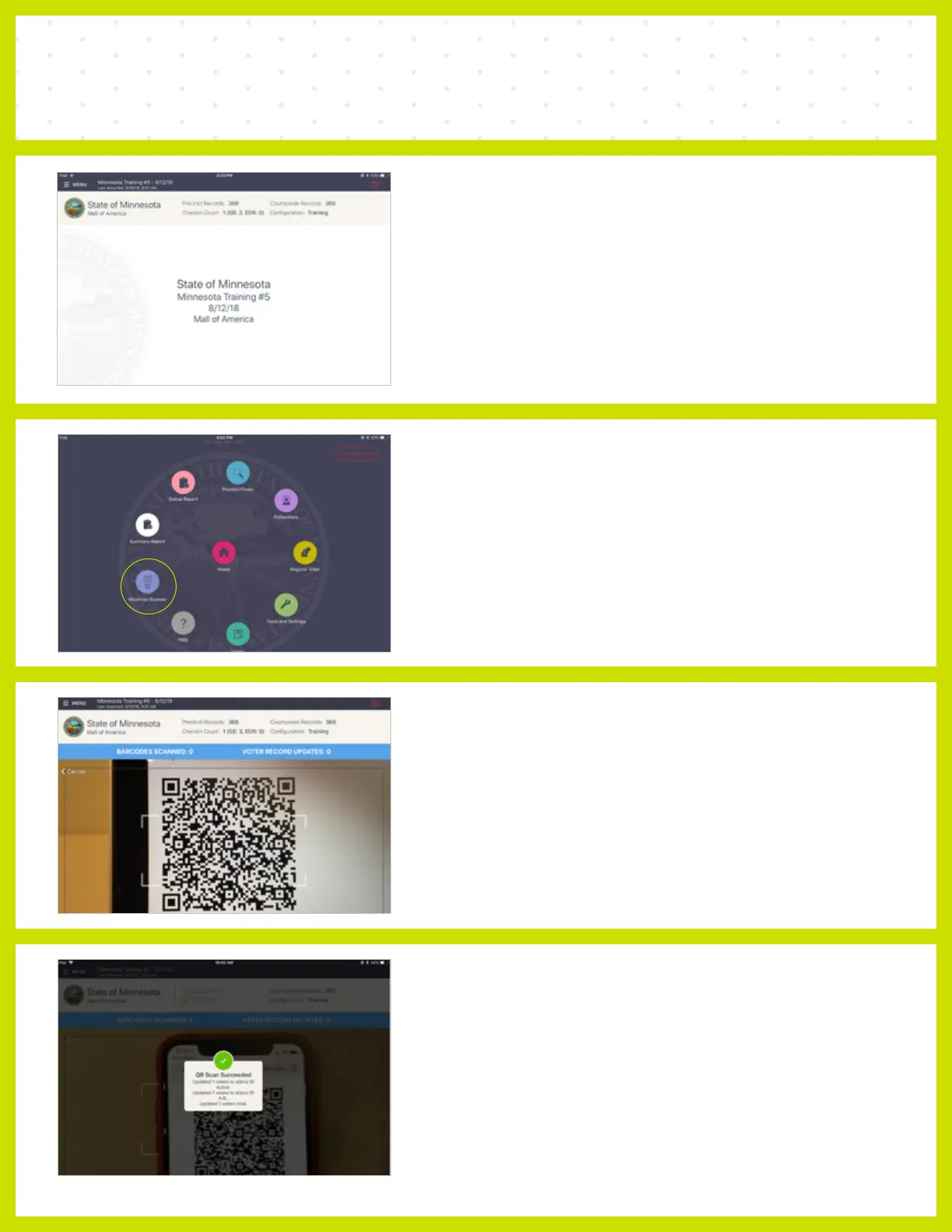
❶ SELECT MENU
Select the Menu button in the upper left corner.
❷ ABSENTEE SCANNER
Select ABSENTEE SCANNER.
❸ STATUS UPDATE SCANNER
Scan all QR Codes for that particular precinct.
❹ SUCCESS
A success message appears once you have
scanned the barcode and the absentee status
has been updated for that voter.



 To Next Page