22
Minnesota | Poll Pad Guide
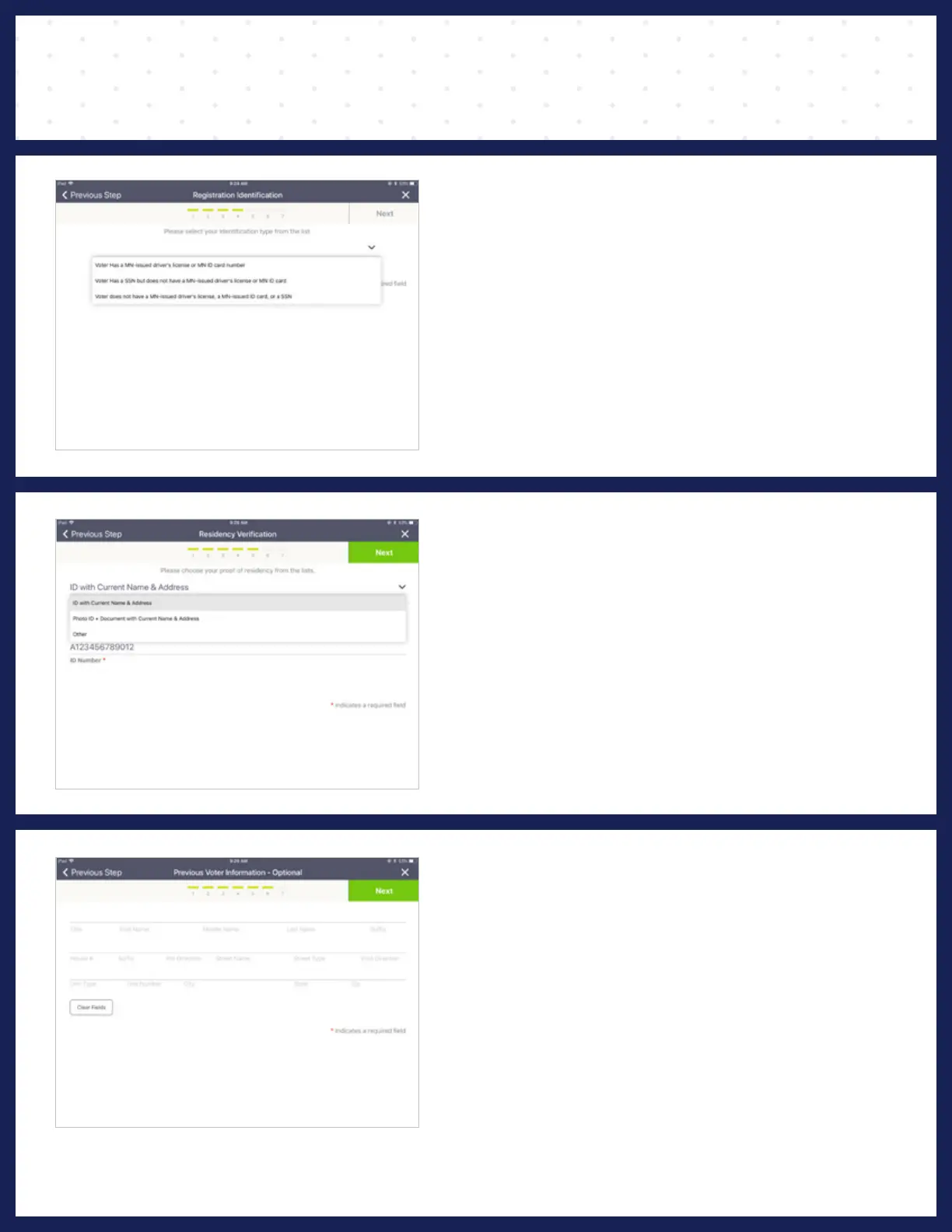
❼ VOTER IDENTIFICATION
Choose the form of ID provided by the voter from
the drop-down menu and enter the requested
information. Press Next.
NOTE: If you have already scanned the voter’s driver’s license,
the number will auto-fill in the box.
❾ PREVIOUS ADDRESS
If the voter has updates to their previous
registration, such as name or address change,
enter their previous information and press
CONTINUE.
NOTE: If there are no registration updates, SKIP these actions and
press CONTINUE.
PROCESSING VOTERS | VOTER NOT ON LIST
❽ VOTER'S IDENTIFICATION
& PROOF OF RESIDENCY
Select the voter identification method using the
drop-down menus. Press on the matching option
to select. Once you have made the correct
selections, press Next.
NOTE: If you have scanned an ID, the ID number will auto populate.
To complete a voucher form, see VOUCHER section.



 To Next Page