49
Minnesota | Poll Pad Guide
QR CODE & VOTER FILE IMPORT
❷ SCAN QR CODE
On each Poll Pad:
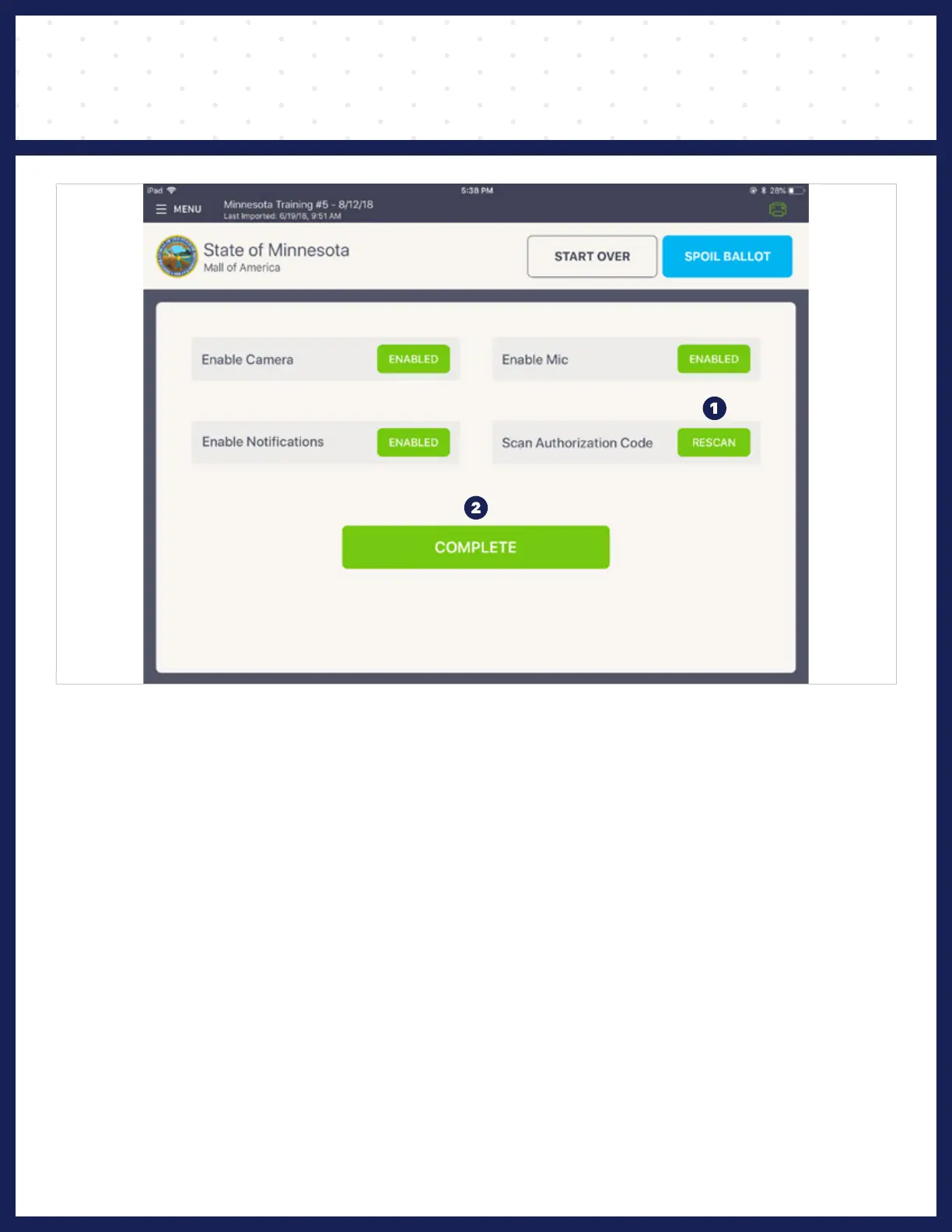
❶ Scan Authorization Code: Press RESCAN
❷ Press COMPLETE
Poll Pad will authenticate and retrieve settings. When authentication is complete,
a green, Settings Imported success screen will pop up.
Press Ok on success popup.



 To Next Page