55
Minnesota | Poll Pad Guide
IMPORTING HELP FILES
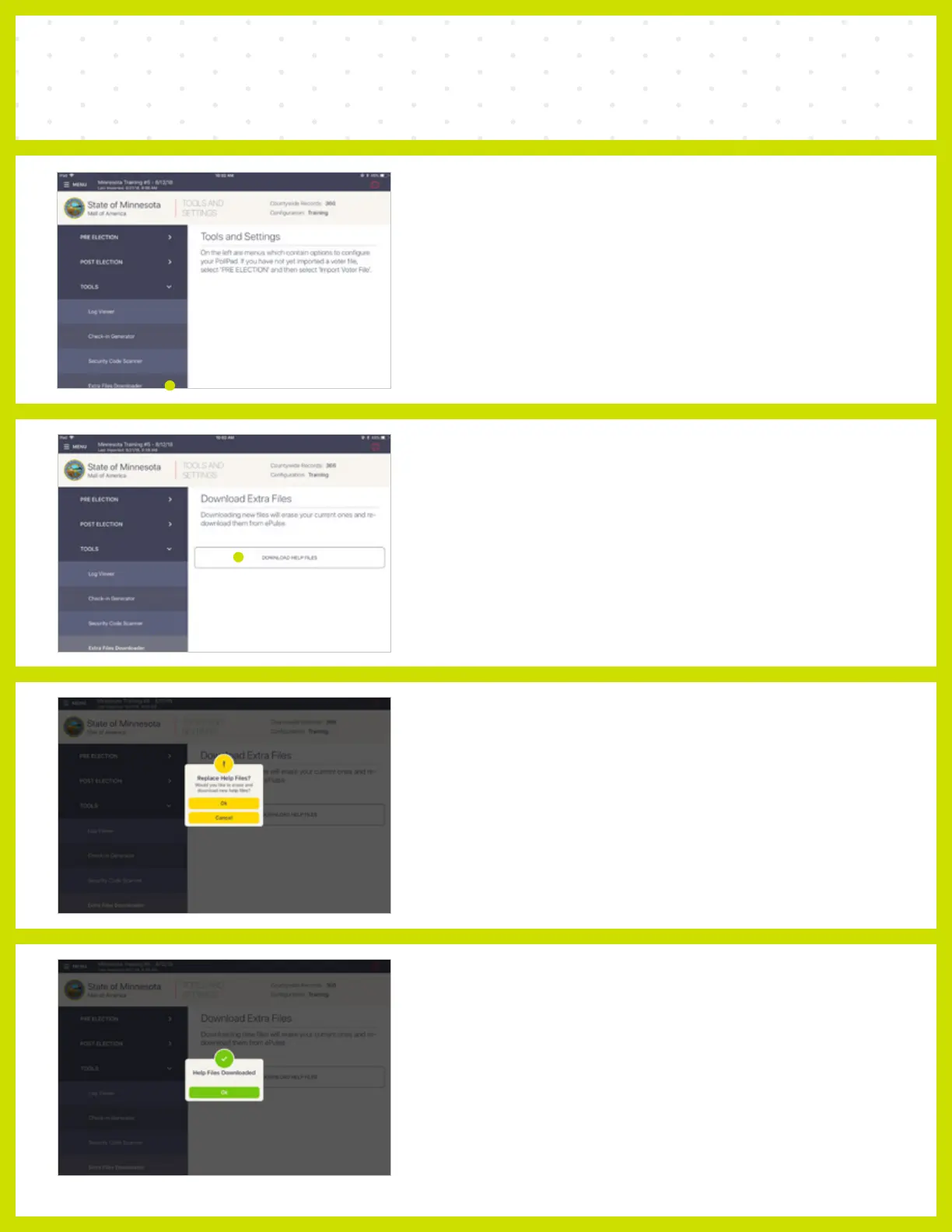
❺ EXTRA FILE DOWNLOADER
Select Extra Files Downloader under the TOOLS
drop down menu.
❻ DOWNLOAD EXTRA FILES
Press DOWNLOAD HELP FILES.
NOTE Downloading new files will erase your current ones and
re-download them from ePulse.
❼ REPLACE HELP FILES
When asked to 'Replace Help Files?' select Ok.
❽ SUCCESS
When complete a 'Help Files Downloaded'
message will appear, then press Ok.



 To Next Page