12
8. SET PARAMETERS
After taking all measurements and following the procedure for the lens encoders, access the SETUP WEB PAGE
where you can configure the following parameters.
NOTE: The available parameters vary depending on the mode (LENS, HEAD, CRANE, TELESCOPIC, SLIDER).
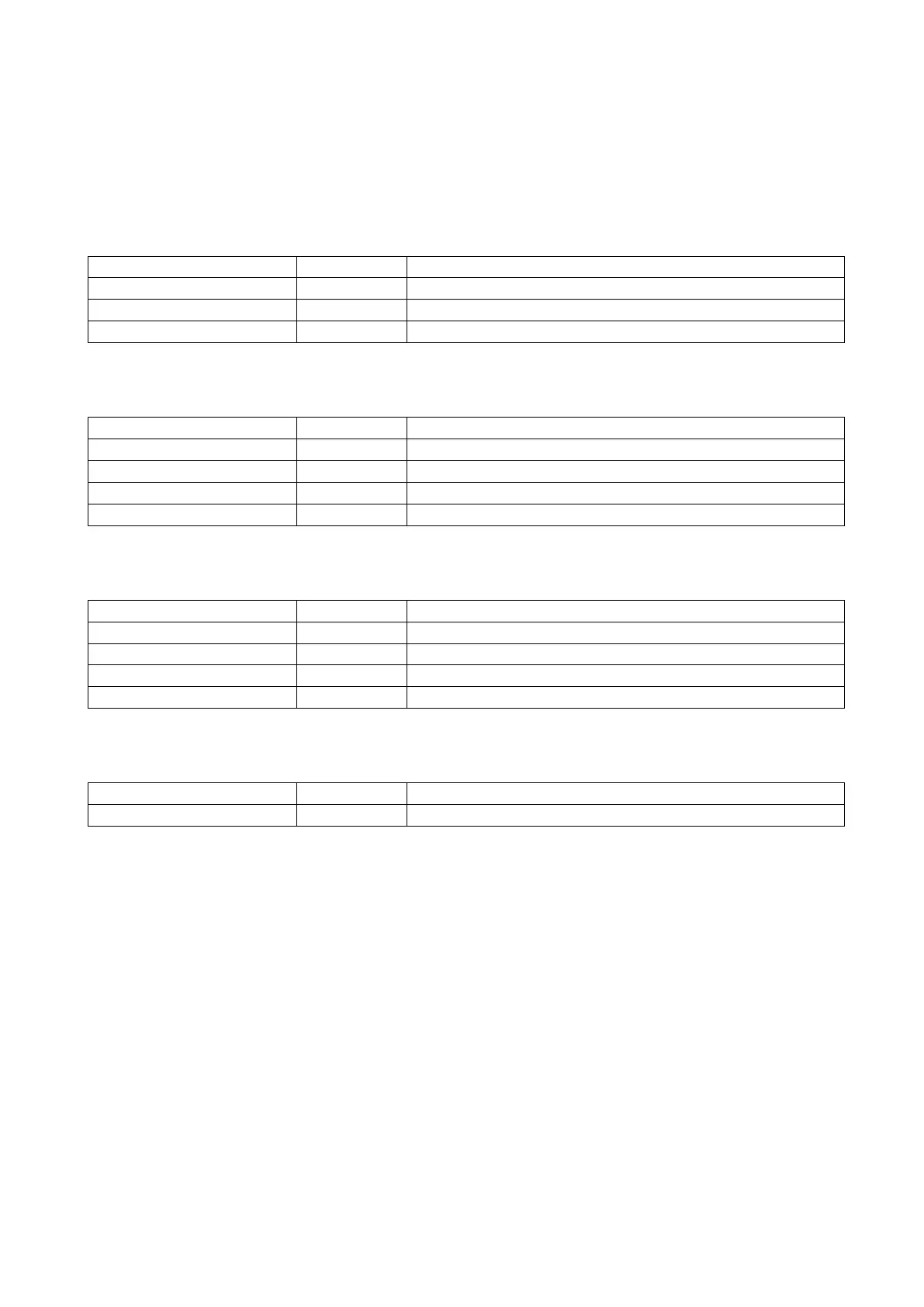
a. ENCODERS
Set the counting direction to positive or negative
Add a starting offset value when the encoder is reset at 0
Set the number of steps/mt in TELESCOPIC or SLIDER mode
Set the intensity of the smooth filter
Set the height of the TRIPOD
Set the length of CRANE or minimum l. in TELESCOPIC mode
Set the offset of the HEAD relative to the CRANE
Set the offset of CMOS relative to the HEAD
Set the TRIPOD’s position relative to the center of the SET
Set the Static IP of KOALA (if DHCP is OFF)
Set the destination IP of Tracking Data
Set the port number of UDP Tracking Data
Set the protocol of UDP Tracking Data
Data tx framerate, set to 0 to use external SYNC*
KOALA identification number
Set the parameters and SAVE from dropdown menu on web page (see section 9.)
* NOTE: Keep in mind that if set to 0 and the SYNC signal is absent, KOALA will not transmit tracking data,
and LED B (right) will turn red.


 To Next Page