Scan
12
Click Print to print the scanned picture(s) to your EasyShare AiO.
Scan to EasyShare
1
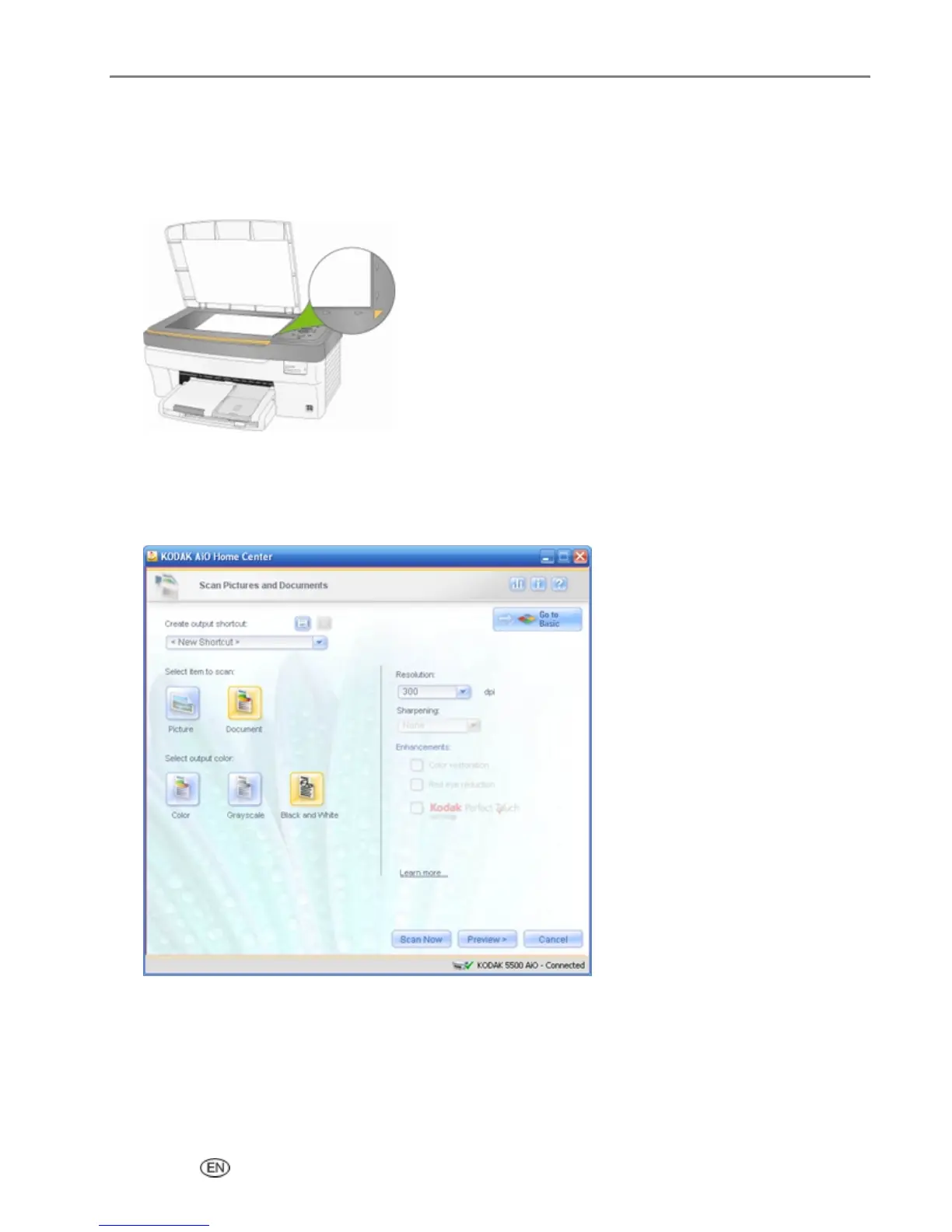
Place your original face down on the right front corner of the scanner glass.
2
On the main Home Center window, click Scan Pictures and Documents to open the Basic Scan
window.
3
Click Go to Advanced to open the Advanced Scan window.
4
Select Document.
5
Select Color, Grayscale, or Black & White.
6
If desired, change the Resolution.
7
If you changed the Resolution, you can save it as a scan shortcut.
User’s Guide 97


 To Next Page
 Loading...